You found a phone number, home address, or a people‑finder listing showing up in Google for your name — and you need it gone. The quickest tool you’ll use in many cases is a request to remove personal information form, but forms are one part of a larger strategy.
This article explains when a request to remove personal information form can help, how to fill platform and publisher forms effectively, and what to do if removal isn’t available. Expect concrete checklists, sample requests, and realistic timelines.
We’ll also map the alternatives: opt‑outs from data brokers, review and takedown procedures for social platforms and news publishers, and mitigation tactics when suppression rather than removal is the only viable path.
Table of Contents
- How Do I Get Personal Information Removed From The Internet?
- How To Remove Your Phone Number From Google Search
- Can I Tell Who Has Googled My Name?
- Can I Stop Google From Tracking Me?
- When Removal Is Not Available: Suppression, Correction, And Containment
- How To Remove Data‑Broker And People‑Finder Listings
- Responding To Review Attacks And False Posts
- Monitoring, Escalation, And Next Steps
- DIY vs Professional Agency: When To Choose Which
- Hypothetical Example: A Surgeon And A People‑Finder Listing
- Common Mistakes People Make When Filing Removal Requests
- Best Practices For Filing A Request To Remove Personal Information Form
- Expert Tips
- Conclusion
- Why Businesses Choose Your Reputation Agency
- Frequently Asked Questions
How Do I Get Personal Information Removed From The Internet?
Start by categorizing the content: is it a people‑finder profile, a social post, a news article, a court record, or a review? The path to removal differs for each. We evaluate whether the content may qualify for removal or review and then pursue the legal, technical, platform‑based, and reputational options available.
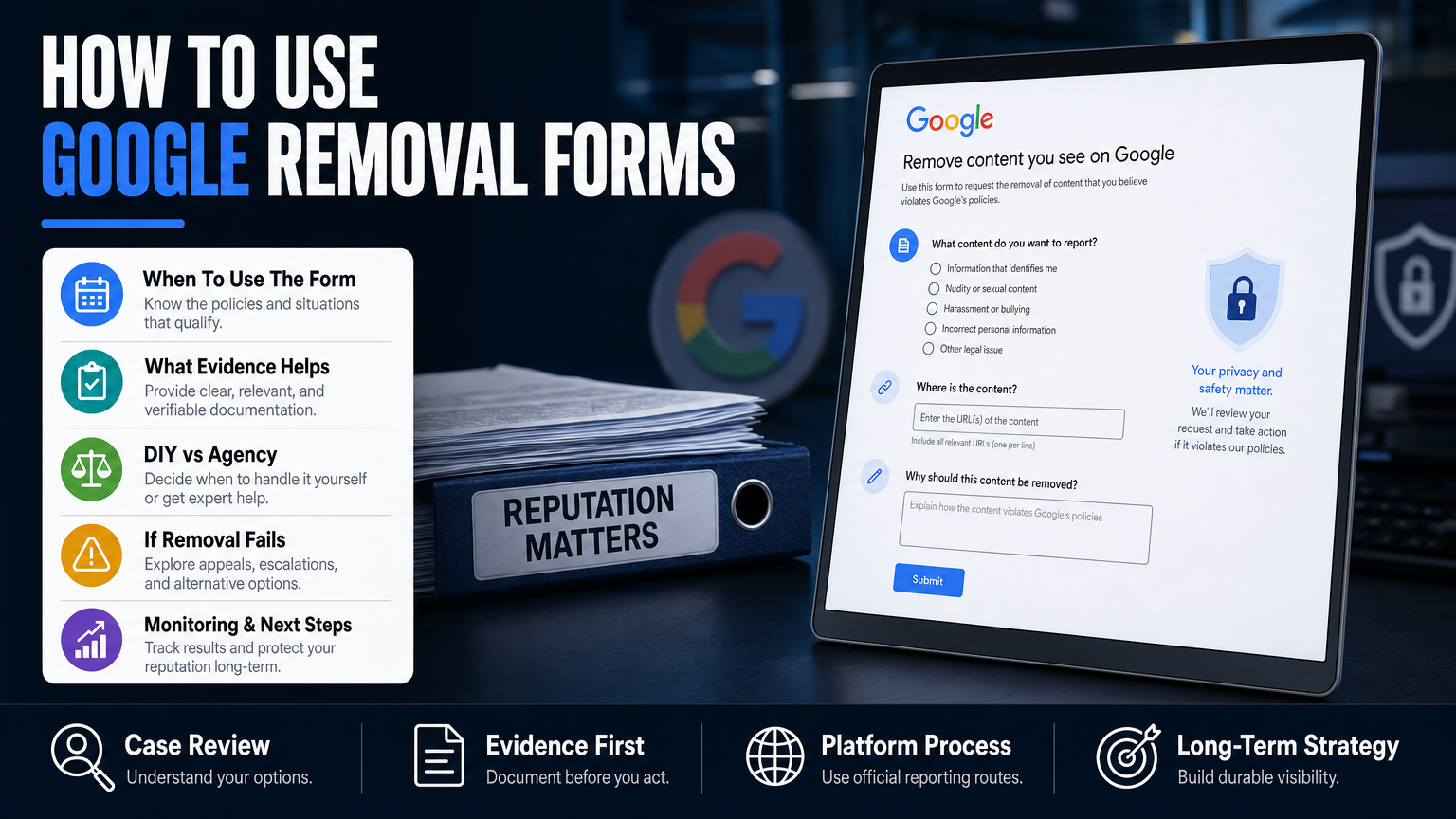
Use the platform’s official forms first — Google, Facebook, Twitter/X, YouTube, and the major people‑finder sites all publish removal or privacy request forms. For example, Google has a dedicated form for personally identifiable information and sensitive personal data.
If your address or other personal details are the first page result, start with targeted forms and combine them with SEO suppression and publisher outreach. If you need help narrowing down the next steps for an address in search results, read When Your Address Becomes the First Result on Google.
- 1) Export a CSV of search results and URLs (SERP snapshot).
- 2) Identify platform-specific removal forms or publisher contacts.
- 3) Submit targeted requests with evidence and contact details.
- 4) Follow up at 7 and 21 days; escalate to platform appeal if denied.
- Inventory every URL that contains the personal data.
- Classify each URL by type (people‑finder, social, news, review, public records).
- Prioritize removals by threat level (contact info, sensitive identifiers, defamatory material).
Filling a Request Form: What To Include
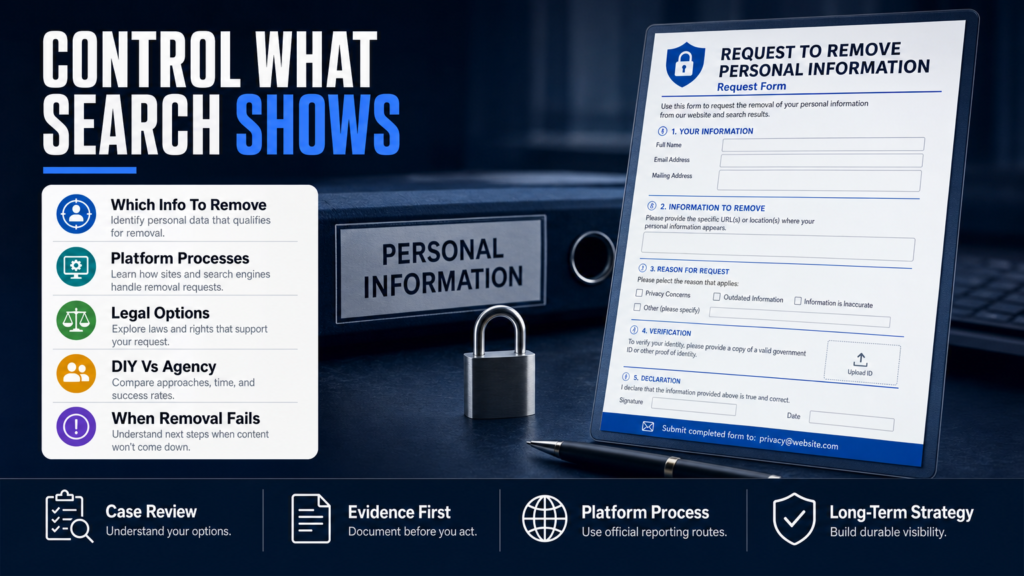
Forms expect specific data: the exact URL(s), precise personal data to be removed, why the data is sensitive or violates policy, and proof of your relationship to the data (for example, an ID for doxxing or impersonation claims).
Avoid oversharing: don’t upload unnecessary documents in public forms. If a platform requests identity verification, follow their secure channels.
- Exact URL where the data appears.
- Text excerpt or screenshot showing the data.
- Your preferred contact email and relationship to the data subject.
How To Remove Your Phone Number From Google Search
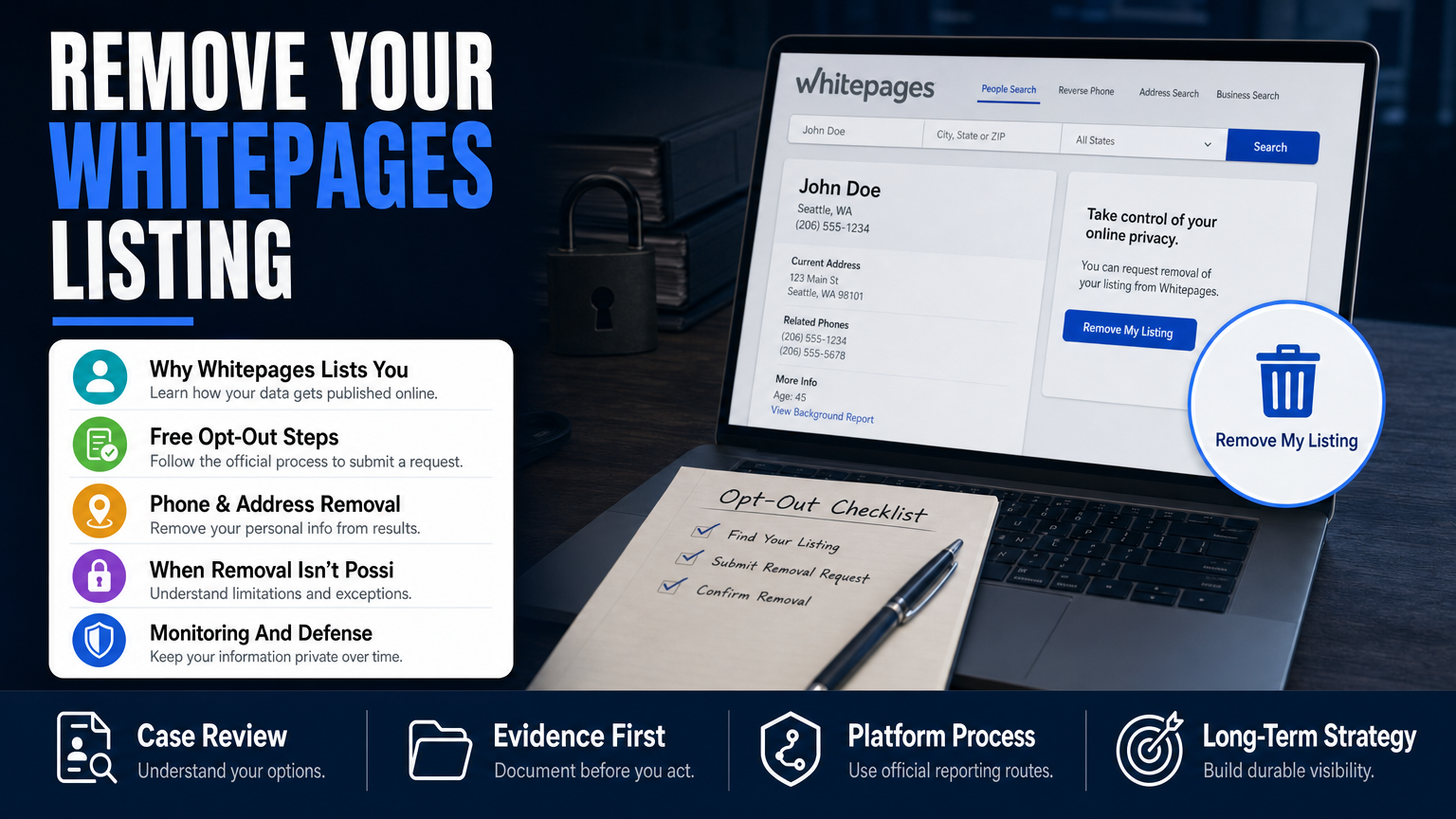
Phone numbers shown in search results usually come from one of three places: social profiles, people‑finder/data‑broker sites (Spokeo, Whitepages, Intelius), or scraped business listings. Removal relies on the original publisher or the aggregator, not Google alone.
Google removes phone numbers from search results in limited circumstances (doxxing, direct threats, or certain types of sensitive personal data). Otherwise, you must remove the number at the source or request the site to redact it.
If the phone number appears on review sites or forums, file the platform’s policy complaint (harassment/doxxing). For people‑finder listings, you’ll use opt‑out forms on each broker’s site — a slow, manual process but effective if done systematically.
- 1) Click the search result to capture the source URL.
- 2) Visit the publisher’s help or privacy center and submit an opt‑out.
- 3) If a data broker offers a paid removal service, evaluate the cost vs recurrence risk.
- 4) After source removal, request Google remove outdated cached copies via its Remove Outdated Content tool.
- Identify the source URL (not just the search result).
- Use the site’s opt‑out or profile deletion form first.
- If the publisher refuses, consider a follow‑up platform complaint or legal review.
People‑Finder Opt‑Outs and Automation
Major brokers have different processes and evidence requirements. Some require clicking a confirmation link sent by email; others ask you to paste the profile URL and fill a form.
If you’re overwhelmed, track opt‑outs in a spreadsheet and schedule quarterly checks because profiles can reappear. For a focused discussion on people‑finder risk to professionals, see When a People‑Finder Profile Threatens Your Professional Life.
- Spokeo, Whitepages, MyLife, Intelius, BeenVerified — each has its opt‑out procedure.
- Use targeted emails or web forms; persistence matters.
Can I Tell Who Has Googled My Name?
There’s no public or Google-provided tool that lets you see everyone who has searched your name. Google does not disclose individual searchers for privacy reasons.
You can, however, gather indirect signals: site analytics on pages you control (Google Analytics, server logs) will show referral traffic and search queries that led to your pages but only for content you own.
For third‑party pages you don’t control (posts, news, forum threads), you’ll need monitoring and alerts rather than retrospective ‘who searched’ data. For example, active monitoring will notify you the moment a damaging Reddit thread or forum post appears; see our recommendations in the forum crisis section below and read When a Reddit Thread Becomes a Professional Crisis.
- 1) Set Google Alerts for exact name and key phrases.
- 2) Use a monitoring service to capture mentions across social and news.
- 3) Add high-risk pages to a daily watchlist for manual review.
- You cannot get a list of individual Google searchers.
- Use analytics on owned pages to see search-driven traffic.
- Use monitoring tools (alerts, watchlists) to detect spikes or new content.
When A Forum Thread Goes Viral
Forums and Reddit are high risk because they can spike visibility quickly. Rapid containment includes flagging the post, contacting subreddit moderators or forum admins, and collecting documentation of false claims.
If moderators refuse to remove content, preservation of evidence and a public response plan (if appropriate) are the next steps.
- Flag the post under platform rules (privacy, harassment, doxxing).
- Preserve screenshots and archive links (Wayback, archive.today) for legal or PR use.
- Prepare a short factual public statement if the thread affects patients, clients, or partners.
Can I Stop Google From Tracking Me?
You can limit the ways Google collects and uses your activity, but you cannot completely stop Google from operating its search engine or logging anonymous query data. You can reduce personalized results and tracking on your devices.
Adjust these settings: disable Web & App Activity in your Google account, turn off personalized ads, and use private browsing or privacy‑first search engines (DuckDuckGo) for personal searches.
For business or professional accounts, review corporate device policies and consider separate personal contact information to avoid cross‑contamination of public results.
- 1) Visit myactivity.google.com and review / delete activity.
- 2) Turn off ‘Web & App Activity’ and ‘Ad Personalization’ where acceptable.
- 3) Use incognito mode or privacy search engines for non-personal queries.
- Disable Web & App Activity and Ad Personalization in Google Account.
- Use browser privacy modes, ad blockers, and tracker blockers.
- Consider using secured DNS or VPN to reduce ISP-level tracking.
Device And Workspace Hygiene
Separate personal and professional accounts on devices. Maintain distinct emails and phone numbers for professional listings to reduce accidental exposure.
If you’re responding to a reputational incident, lock down accounts: change passwords, enable MFA, and review connected apps.
- Use unique passwords and multi-factor authentication.
- Audit third‑party app permissions.
When Removal Is Not Available: Suppression, Correction, And Containment
Not everything is eligible for removal. Truthful public records, court filings, and news coverage often remain online. Removal depends on the content, publisher, platform policies, evidence, and jurisdiction. When removal is unavailable, we may recommend mitigation, correction, or reduced visibility.
Mitigation strategies include SEO to promote positive or neutral pages, correction requests or right‑of‑reply to publishers, and contractual or PR remedies where appropriate. These are active strategies intended to improve the overall search narrative.
Always consider legal review when content involves defamation, doxxing, or sensitive personal data. A qualified attorney can determine whether a legal claim may be available.
- 1) Confirm removal is denied or legally unlikely.
- 2) Develop an SEO suppression plan: publish authoritative profiles and content.
- 3) Issue correction requests to publishers with documented errors.
- 4) Monitor search positions and adjust the content calendar for sustained suppression.
- Suppression (SEO) to push harmful results below the first page.
- Publisher correction or retraction requests where factual errors exist.
- Reputational content creation: controlled bios, press releases, LinkedIn, and directory profiles.
When To Use PR And Messaging
If a story or allegation is factual but damaging, controlled messaging can reduce reputational harm. Work with PR to craft concise, factual statements and place them on authoritative domains (company site, LinkedIn articles, trade press).
Messaging is not a substitute for legal action when a matter is defamatory — it’s complementary.
- Use short factual statements, avoid settling or confessing in public messages.
- Provide documentation to publishers when requesting corrections.
How To Remove Data‑Broker And People‑Finder Listings
Data‑broker profiles are a common source of unwanted personal data in search results. Each broker has a different opt‑out workflow. Removal depends on their policies and whether the data is scraped from public records.
A disciplined opt‑out program is manual but effective: identify major brokers, submit opt‑outs, track confirmations, and repeat quarterly because profiles can be rebuilt from new sources.
For an overview of when a people‑finder profile threatens a professional life and how to approach brokers, see When a People‑Finder Profile Threatens Your Professional Life.
- 1) Create a tracker with each broker’s opt‑out URL and status column.
- 2) Submit opt‑outs from a stable email address.
- 3) Verify removal and recheck monthly for three months, then quarterly.
- Major brokers: Spokeo, Whitepages, BeenVerified, Intelius, PeopleFinder.
- Some brokers require ID verification; others use email confirmation.
- Consider paid removal services only after assessing recurrence risk and scope.
Automating Opt‑Outs — Pros and Cons
Automation tools and paid services can handle many opt‑outs, but they may miss custom pages or reinclusion triggers. Use automation for scale but verify manually for high‑risk profiles.
Keep records of confirmations and correspondence — they help with future disputes or legal review.
- Automation saves time but requires human QA.
- Document every confirmation message and opt‑out ID.
Responding To Review Attacks And False Posts
If your business or you personally are facing false negative reviews, begin by flagging platform policy violations (fake reviews, impersonation). Platforms like Google Business Profile and Yelp have defined processes for reporting fake reviews.
Simultaneously, collect evidence: screenshots, timestamps, IP logs (if available), and correspondence. If the review is defamatory, consult legal counsel for a potential subpoena or demand letter.
Containment includes responding publicly when it’s safe and appropriate — short, factual responses that offer remediation show other readers you’re responsive and professional.
- 1) Use the platform’s report link and follow escalation channels.
- 2) If denied, appeal and provide additional evidence.
- 3) Consider reputation-building content to dilute the impact of review clusters.
- Flag reviews under platform rules (fake content, harassment, conflicts of interest).
- Document and preserve evidence for appeals or legal steps.
- Respond politely and factually to visible reviews when advisable.
When Reviews Are Part Of A Coordinated Attack
If multiple reviews appear within a short window with similar language, it may be coordinated. Document the pattern, escalate to the platform’s business support, and prepare an evidence packet for formal review.
In severe cases, rapid PR and legal coordination may be necessary to protect clients, patients, or partners.
- Look for repetition in timestamps and phrasing.
- Escalate to platform business or legal abuse teams.
Monitoring, Escalation, And Next Steps
Removal requests are rarely a one-shot process. After submitting forms, track status, save case IDs, and set calendar reminders for follow-up. Timing depends on the platform, publisher, evidence, and legal complexity.
Use monitoring tools to catch new instances quickly: Google Alerts, Brand24, Mention, or an agency surveillance service. Rapid detection limits spread and creates more options for takedown or mitigation.
If matters are urgent (viral smear, doxxing, threats), use a rapid response protocol: preserve evidence, isolate affected accounts, notify affected stakeholders, and consider engaging specialists for takedown and legal escalation.
- 1) Maintain a case-tracking spreadsheet with URLs, dates, and outcomes.
- 2) Schedule recurring checks for previously removed items.
- 3) Reassess strategy if removals are denied — move to suppression or legal options.
- Save and index all correspondence and confirmation numbers.
- Set standard follow-up cadences: 7 days, 21 days, 60 days.
- Use a mix of automated alerts and manual daily checks for high-risk names.
When To Involve Counsel
Consider legal counsel when content is demonstrably false and damaging, when doxxing or threats occur, or when a publisher refuses to correct factual errors. A qualified attorney can analyze defamation law and jurisdictional issues.
Your Reputation Agency coordinates with legal professionals when a matter requires legal analysis — this is often the fastest route to subpoenas or formal demands.
- Legal review for defamation, privacy invasion, or harassment.
- Subpoenas for unmasking anonymous posters when warranted.
DIY vs Professional Agency: When To Choose Which
A quick comparison to help decide whether to handle removal yourself or hire a reputation agency.
| DIY | Professional Agency |
|---|---|
| Cost | Higher but predictable fees |
| Control | Less direct; agency manages process |
| Time | Faster escalation and follow‑through |
| Complex cases | Better for coordinated attacks or legal needs |
| Technical SEO | Agency provides sustained suppression strategy |
| Documentation | Agency maintains case files and tracking |
Hypothetical Example: A Surgeon And A People‑Finder Listing
Situation: A surgeon finds a people‑finder profile with home address and phone number ranking on page one for their name. The surgeon is concerned about patient safety and the impact on credentialing.
Process followed: classify, opt‑out, removal form to Google (if applicable), and suppression if the broker refuses. This is a hypothetical scenario intended to show the workflow and is not a depiction of a real client.
- 1) Capture screenshots and URLs, record where the data came from.
- 2) Submit opt‑out to the broker and request removal from the scraped directory.
- 3) If the broker confirms removal, request outdated cache removal from Google.
- 4) Publish authoritative profiles (hospital bio, professional directories) to push the people‑finder link lower.
- 5) Monitor search results weekly for three months and quarterly thereafter.
- Inventory: three URLs — the people‑finder profile, a scraped directory, and a social listing.
- Priorities: address and phone number removal from people‑finder first (safety risk), then suppression of the scraped directory.
Common Mistakes People Make When Filing Removal Requests
These mistakes slow resolution and sometimes make matters worse. Avoid them.
Filing Vague Requests
Mistake: Submitting a removal form without exact URLs or clear evidence. Platforms reject requests that are imprecise.
Fix: Provide exact URLs, screenshots, and a concise reason tied to the platform’s policy.
Assuming Google Can Remove Source Content
Mistake: Asking Google to remove content that only a publisher controls. Google can delist cached copies in limited cases but usually won’t delete the source.
Fix: Always contact the publisher or data broker first, then ask Google for cache removal if the source is corrected or deleted.
Overloading Public Forms With Sensitive Documents
Mistake: Uploading unnecessary identification or medical records into a public or unencrypted field.
Fix: Provide minimal required evidence and use secure channels when platforms request identity verification.
Neglecting To Track Requests
Mistake: Sending a form and forgetting it. No follow-up means missed appeals or lost case IDs.
Fix: Track every submission with dates, confirmation numbers, and follow-up deadlines.
Responding Emotionally On Public Threads
Mistake: Posting defensive or aggressive comments on forums or review pages that further damage reputation.
Fix: Use short, factual responses or a private channel; escalate to PR counsel when a public reply is needed.
Best Practices For Filing A Request To Remove Personal Information Form
Follow a consistent, documented process. Below are durable practices used by reputation professionals.
Build A Content Inventory First
Map every URL and categorize by platform and risk. A clear inventory keeps efforts focused and prevents duplicated work.
- Include capture date and screenshot of each URL.
- Prioritize by sensitivity and business risk.
Use Precise Language Tied To Policy
Quote the platform’s policy in your request when possible (e.g., ‘This post contains doxxing per policy X’). This reduces ambiguity in review.
- Cite section headings or policy phrases.
- Attach short evidence bundles (screenshots, archived links).
Maintain An Escalation Ladder
Have a defined escalation path: initial report, appeal, platform abuse team, business support, and legal review. Know when to escalate to each level.
Document every step and set reminder intervals for follow-up.
- 7-day follow-up after form submission.
- 21-day appeal if denied, then escalate.
Invest In Ongoing Monitoring
Removal is rarely permanent. Set automated alerts and quarterly manual audits for high-risk names to catch reappearances early.
- Google Alerts for name + variations.
- Use a paid monitoring service if risk is high.
Coordinate With Legal And PR When Needed
For defamation, harassment, or coordinated attacks, coordinate removal requests with legal counsel and PR to ensure evidence preservation and consistent messaging.
- Preserve logs and correspondence for potential legal action.
- Prepare concise public statements for stakeholders.
Expert Tips
- Always include the exact URL in the request — vague descriptions get rejected.
- Take screenshots with timestamps to preserve evidence before you submit a form.
- Prioritize removing personal contact details and home addresses first for safety reasons.
- Use official policy language from the platform in your request to speed review.
- Track every submission in a spreadsheet with follow-up dates and outcomes.
- If a broker asks for an ID upload, confirm the channel is secure and necessary before sending.
- When removal is denied, shift quickly to suppression: authoritative profiles and press releases.
- Set quarterly reminders to recheck people‑finder sites because data often reappears.
Conclusion
A request to remove personal information form is a practical first move, but it’s only one tool in an effective response. The outcome depends on the platform, the publisher’s policies, the nature of the data, and legal constraints.
When removal is possible, follow the platform’s form instructions precisely and document everything. When removal is not available, plan for suppression, correction, and active monitoring — these strategies protect your professional life and reduce future risk.
Why Businesses Choose Your Reputation Agency
Managing your reputation takes more than monitoring reviews or publishing the occasional blog post. It takes a strategy built around your situation, your industry, and what is actually showing up in search.
Your Reputation Agency works with businesses, executives, healthcare professionals, attorneys and growing brands. Our services include:
- Remove or suppress negative Google search results and news articles
- Take down or mitigate negative reviews (Google, Yelp, Trustpilot, industry sites)
- Remove defamatory content, false posts and impersonation accounts
- Remove personal data from people-search and data-broker sites (opt-outs)
- Mugshot and arrest-record removal or suppression
- YouTube and negative video removal / demotion
- Rapid crisis response for viral incidents and online smear campaigns
- Social media impersonation and fake account removal
- Reputation monitoring, alerts and ongoing surveillance
- Search engine reputation repair (SEO to bury negative results)
Frequently Asked Questions
1. How can I have my personal information removed from the internet?
Start by identifying the exact URLs and the type of content (people‑finder, social, news). Use the publisher’s opt‑out or removal forms, file platform policy reports where applicable, and document each submission. If removal is denied, pursue suppression (SEO), corrections, or legal review depending on the content.
2. How can I delete my phone number from Google?
Delete the phone number at the source (the site that published it) using their opt‑out or account tools. After the source is removed or edited, request Google remove the cached copy via the Remove Outdated Content tool. Google only directly removes phone numbers in limited cases like doxxing or threats.
3. Can I tell who has googled my name?
No. Google does not disclose individual searchers. Use analytics on pages you own to see referral traffic and set up monitoring (alerts and mention trackers) for third‑party pages to learn when your name surfaces online.
4. Can I stop Google from tracking me?
You can limit tracking by disabling Web & App Activity and ad personalization in your Google account, using private browsing, and choosing privacy‑focused search engines. You cannot prevent Google from operating search or collecting anonymized query data.
5. How long does a removal request take?
Timing varies widely by platform and publisher. Some takedowns occur within days, others take weeks and some are denied. Timing depends on platform policies, publisher responsiveness, and legal complexity; an estimated timeline can be provided after assessment.
6. Do I need a lawyer to remove something online?
Not always. Many removals can be handled through platform or publisher processes. Consider counsel when content is clearly defamatory, involves doxxing or threats, or when the publisher refuses to correct demonstrable factual errors.
7. Are paid removal services worth it?
Paid services can speed opt‑outs and automate repetitive tasks, but they can’t guarantee permanent removal. Evaluate cost against the likelihood of recurrence and the sensitivity of the exposed data before using paid services.
8. What should I do if a negative news article won’t be removed?
If the article is factual, removal is unlikely. Consider requesting a correction if there are errors, pursue a rights‑to‑reply, use SEO suppression to lower visibility, and coordinate messaging with PR to address reputational impact.
9. How often should I recheck people‑finder sites?
Check monthly for the first three months after removal, then quarterly. Data brokers frequently refresh from public records and scraping sources, so recurring checks prevent surprises.
Past examples do not guarantee future results. Removal, correction, deindexing, and search-position changes depend on third parties and circumstances outside Your Reputation Agency’s control.