You’ve found a damaging link in Google results and now you’re searching for the Google content removal form. That form is one tool — sometimes useful, sometimes not — and knowing when and how to use it matters.
This article explains exactly which Google forms exist, why Google asks why you’re requesting personal content removal from Google Search, what evidence helps, and what to do if removal is unavailable. We use plain language and realistic expectations so you can act fast and smart.
You’ll get step-by-step instructions for the form itself, practical alternatives (publisher takedown, SEO suppression, legal routes), and a checklist of what to prepare before you submit. Where appropriate, we point to deeper resources and when it makes sense to bring in specialists.
Table of Contents
- Why Google Asks Why You’re Requesting Personal Content Removal
- Which Google tools and forms remove unwanted content (and how to choose)
- How do I get rid of unwanted content on Google?
- How do I remove my name from being googled?
- Do Google removal requests work? Realistic outcomes and timing
- How to complete the Google content removal form — a practical checklist
- Monitoring, follow-up, and the next practical steps after submitting
- When removal is not available: suppression, correction, and other durable strategies
- DIY vs Agency: a quick comparison
- Hypothetical scenario: a surgeon, a damaging article, and the remediation path
- Common mistakes people make with content removal
- Best practices when using the Google content removal form
- Expert Tips
- Conclusion
- Why Businesses Choose Your Reputation Agency
- Frequently Asked Questions
Why Google Asks Why You’re Requesting Personal Content Removal
Google asks you to explain why you want content removed because the company must balance removal requests against free expression, public-interest reporting, and platform policies. Your answer helps Google determine which policy — if any — might apply.
When you answer, be precise: identify the specific harm (doxxing, financial fraud, exposure of private data, sexual images, mistaken identity), and explain why the content concerns personal information or a policy violation rather than mere criticism or opinion.
- Step 1: Identify the exact URLs and screenshots showing the content in search results.
- Step 2: Match the content to Google’s policy category (privacy, copyright, sexual content, impersonation, etc.).
- Step 3: Prepare a clear, factual explanation of the specific harm and why the content meets the policy threshold.
- Google uses different review paths depending on the issue: personal data, sexual content, doxxing, revenge porn, or outdated content.
- Policy categories matter. A request framed as a privacy issue (exposed SSN) is treated differently than a request framed as defamation.
- If the content is a news story about a matter of public record, Google may refuse removal even if the content is harmful.
How to describe the harm concisely
Use short factual sentences: say what private data is exposed, whether the content is impersonation, or if images are intimate and were posted without consent.
Avoid emotional language and legal conclusions in the initial description — say what happened and who is affected.
- Bad: ‘This article ruined my life and must be removed.’
- Good: ‘This page contains my full Social Security number (XXX-XX-XXXX) and a scanned copy of my passport posted without consent.’
Which Google tools and forms remove unwanted content (and how to choose)
Google offers multiple reporting pathways; choosing the right one is the first practical hurdle. Common tools include the Remove Outdated Content tool, the Personal Information Removal form, and product-specific report links (e.g., YouTube, Google Maps).
If the issue is a negative review, site-specific systems (Google Maps, Yelp, industry directories) are the correct first step. For some review problems and reputation attacks, professional assistance may be faster or more strategic — see our section comparing DIY vs agency help and the real costs a single result can create for professional firms.
- Step 1: Identify the platform hosting the content.
- Step 2: Use the host’s takedown/report flow first (publisher takedown is usually the most effective route).
- Step 3: If the publisher won’t remove the content, escalate to Google with the correct form and supporting evidence.
- Remove Outdated Content tool: use when Google still shows a cached page but the source page has been updated or deleted.
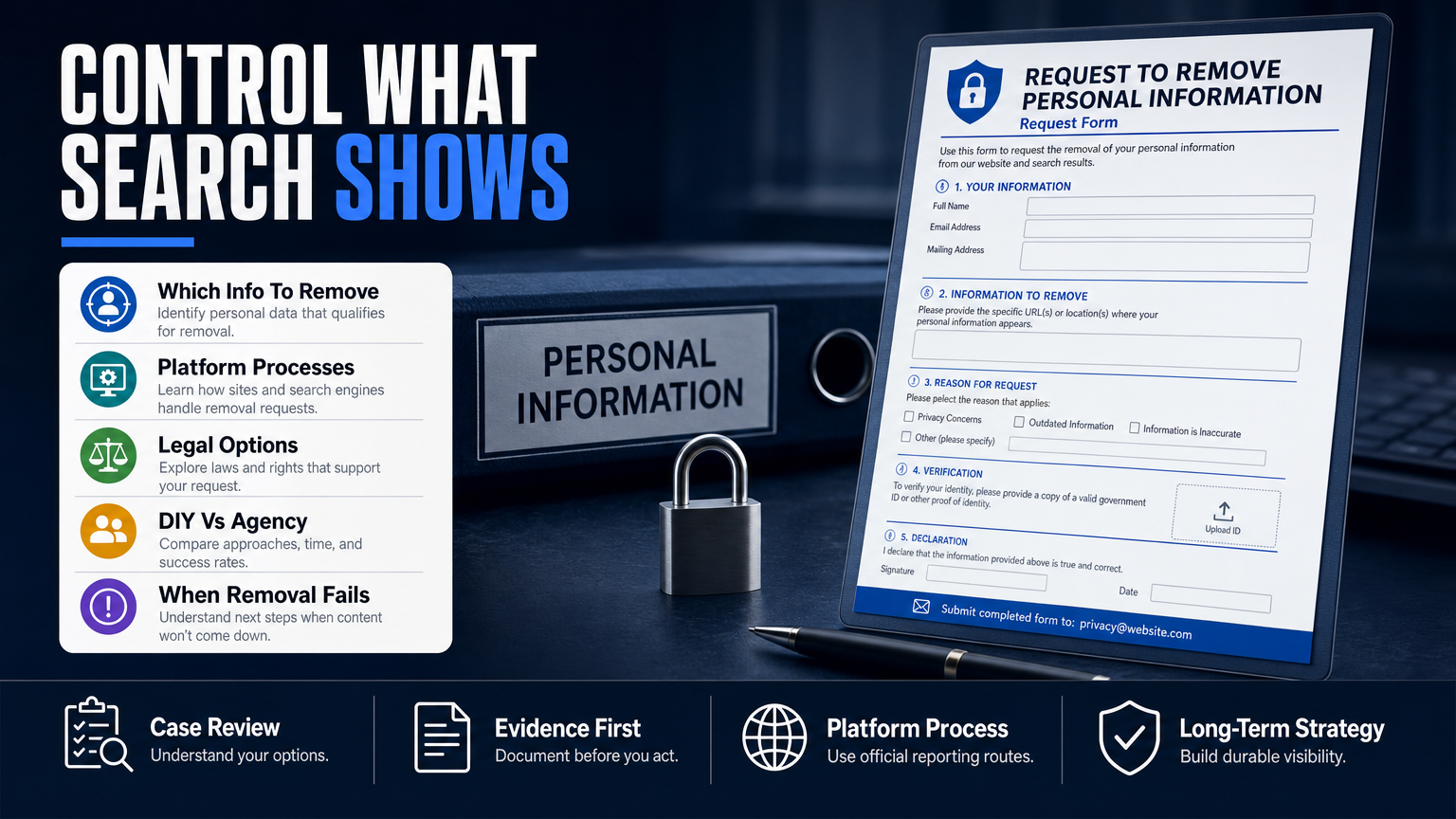
- Personal Information Removal form: use when personal data (SSN, bank accounts, private images) is exposed on third-party sites.
- Product-specific reporting: use YouTube’s report flows for videos, Google Maps for place reviews, and social networks’ report flows for impersonation or harassment.
When to use Google’s ‘Remove Outdated Content’ tool
Use this when the original page has been removed or replaced but Google Search still shows the old snippet or a cached copy. The tool requests that Google re-crawl and drop the stale result.
It won’t remove content that still exists on the live site — that requires publisher cooperation or different removal forms.
- Works for deleted pages or changed snippets.
- Not for live defamatory content or private data still present on the source site.
How do I get rid of unwanted content on Google?
Getting rid of unwanted content on Google is a sequence: identify, request publisher action, use platform report forms, and if needed, pursue mitigation (SEO and PR). Removal is possible in many cases but depends on platform policy, publisher cooperation, and evidence.
Start local: contact the site owner or hosting provider, document your requests, then use Google’s reporting tools if the publisher refuses or ignores you.
- Step 1: Capture URLs, timestamps, and screenshots of the offending content.
- Step 2: Send a concise takedown request to the site owner and hosting provider; include polite, factual grounds for removal.
- Step 3: If no response, file the appropriate Google form with your documentation.
- Step 4: Build or publish authoritative content to push negative results lower in search rankings if removal is not immediately possible.
- Prioritize publisher takedown — it removes the source and negates the need for search-engine appeals.
- If the publisher refuses, submit a targeted Google removal request with clear evidence and the correct policy category.
- Parallel mitigation (SEO, fresh content, corrections) reduces visibility while takedown attempts proceed.
What to include in a publisher takedown request
Include the exact URL, the specific privacy or policy breach, and a short explanation of the requested action. Cite applicable laws only if you have verified them or plan legal escalation.
Keep records of your messages; they are useful if you later need to show effort to Google, a host, or a court.
- Exact URL(s) and screenshots
- Clear statement of requested action (remove page, disable account, update info)
- Contact details for follow-up
When this section needs legal help
If content is manifestly false and causes reputational or financial harm, an attorney can advise on defamation claims, subpoenas, or cease-and-desist letters. Legal action is not automatic and depends on jurisdiction, evidence, and the publisher’s location.
We coordinate with counsel when matters require legal analysis or court filings.
- Consider counsel for persistent false allegations on major publishers
- Preserve evidence (screenshots, logs) for any legal review
How do I remove my name from being googled?
Removing your name from Google Search in the United States rarely means erasing it everywhere. Options include direct removal requests for private data, asking webmasters to remove or update content, opting out of data brokers, and using SEO to suppress unwanted results.
If the problematic content is a news report or public record, removal is usually unavailable; in those cases mitigation is the realistic path.
- Step 1: Search for all variations of your name and capture offending results.
- Step 2: Prioritize removals: private data and intimate images first, then defamatory pages, then low-priority negative reviews.
- Step 3: Use Google forms for private data, contact hosts for other content, and launch suppression content for the rest.
- Use the Personal Information Removal form for doxxing, exposed financial info, or intimate images shared without consent.
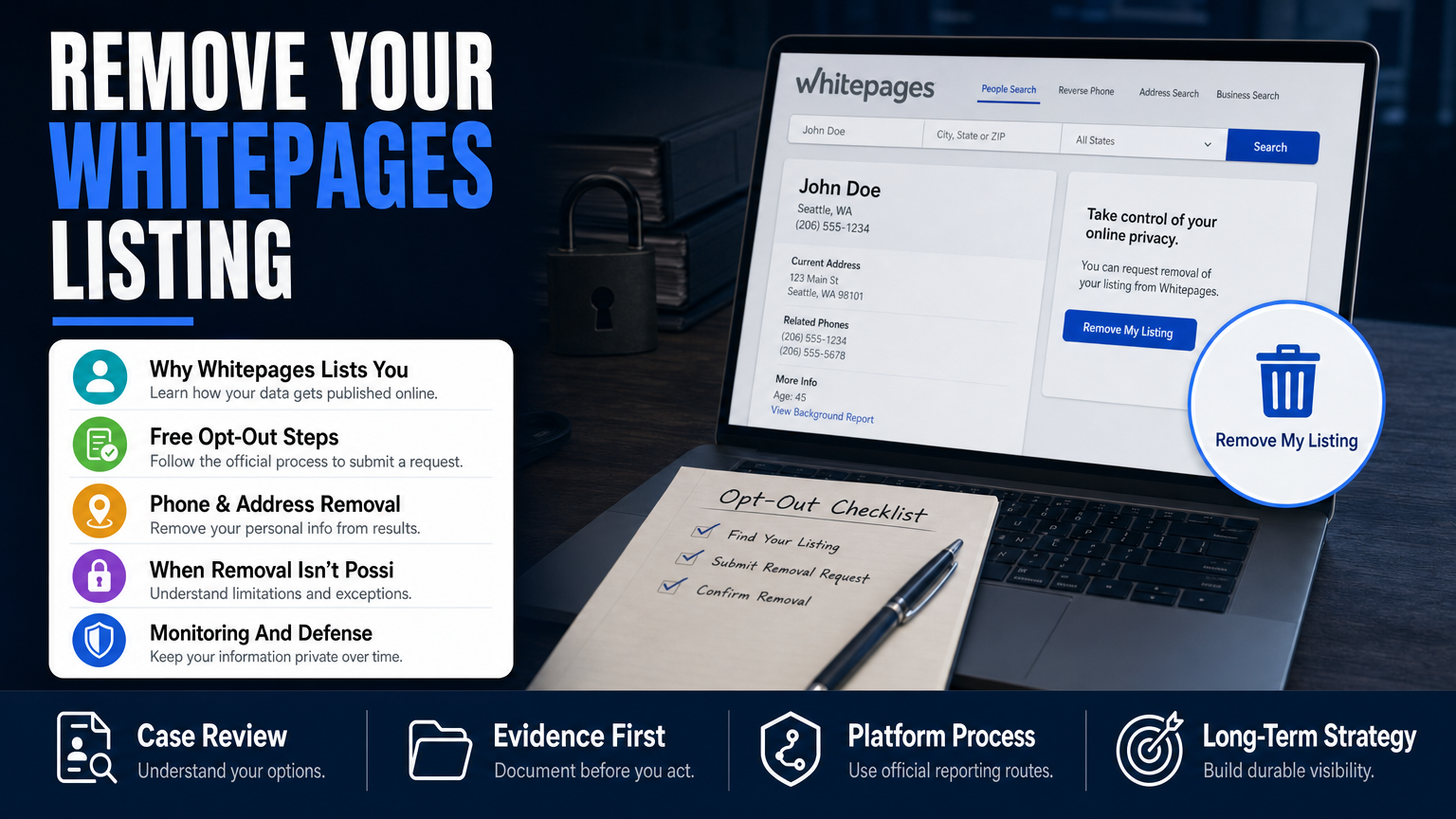
- Submit opt-outs with major data brokers (Spokeo, Whitepages, Intelius) and use automated templates cautiously — many are free but manual, repetitive work.
- Create authoritative profiles and content with your preferred professional information to push negative pages down.
Special note for healthcare providers and lawyers
If an old article or a review is affecting patient or client acquisition, there are reputation-specific strategies. For example, targeted search-visibility work and corrections can reduce harm while takedown efforts continue.
If you’re dealing with an article that threatens a practice, read our guidance on When an Old Article Threatens a Doctor’s Practice for focused next steps.
- Document how the content affects patient intake or practice operations
- Coordinate any public statements with counsel and communications advisers
Do Google removal requests work? Realistic outcomes and timing
Short answer: sometimes. Whether a removal request succeeds depends on content type, platform policy, the publisher’s response, and whether the claim fits Google’s removal criteria. Google’s decisions remain under Google’s control.
Expect a review process rather than an instant removal. Response times and outcomes vary widely; some clear privacy violations are removed quickly, while contested content — especially news coverage — is rarely removed.
- Step 1: File the correct form with concise evidence.
- Step 2: Track the request and prepare an appeal if Google gives a reason for denial and you have counter-evidence.
- Step 3: If denied, pivot to suppression, publisher escalation, or legal review as appropriate.
- Privacy/data exposures and non-consensual sexual images have higher success rates when clearly documented.
- Defamation claims are more complex: Google generally requires a publisher takedown or a valid court order for removal.
- Removal requests can be rejected; when that happens, mitigation becomes the primary option.
Estimated timing (not guaranteed)
Some straightforward privacy removals may see action in days to weeks; other reviews, especially those requiring publisher responses or legal assessment, can take weeks or months. Timing depends on the case complexity and platform workloads.
We can provide an estimated timeline after case review, but no universal timetable applies.
- Simple private-data removals: days–weeks (variable)
- Publisher negotiation and legal options: weeks–months
- SEO suppression: weeks–many months
How to complete the Google content removal form — a practical checklist
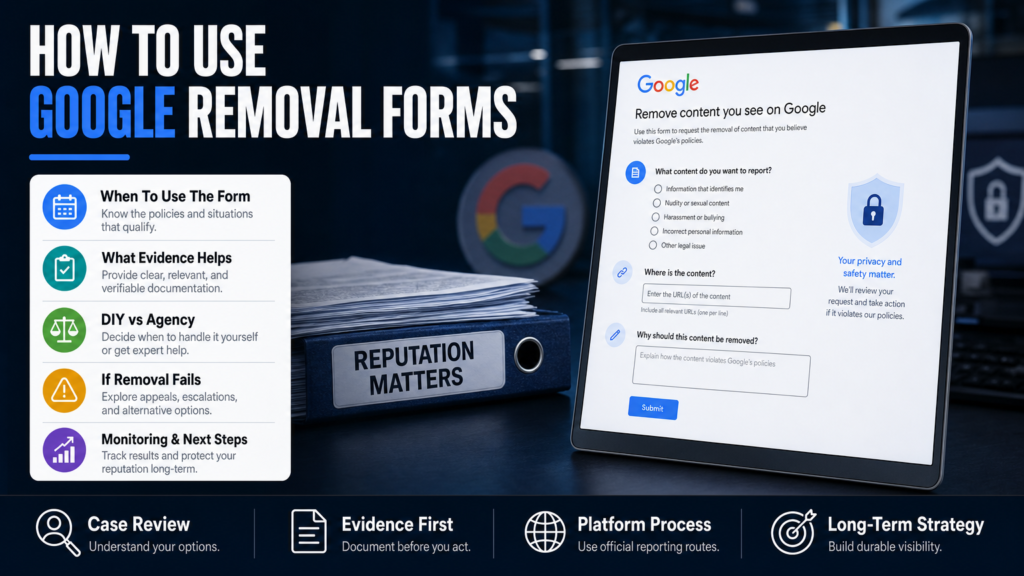
Filling the form correctly increases clarity and reduces delays. Below is a practical evidence checklist and a step-by-step fill process you can follow.
Never share sensitive evidence publicly — use secure channels and the form’s upload fields where provided, or consult counsel for safer submission methods.
- Step 1: Collect URLs and take full-page screenshots with timestamps.
- Step 2: Select the correct Google form or report flow (personal info, outdated content, or product-specific).
- Step 3: Fill fields succinctly; paste URLs into the required fields and attach supporting screenshots.
- Step 4: Submit and save confirmation numbers or emails for record-keeping.
- Step 5: If Google requests more info, respond quickly and provide requested evidence.
- Exact offending URL(s) and the URL(s) of search result snippets (if different).
- Screenshots showing the content as it appears in search results and on the source page with timestamps.
- Clear statement of which Google policy is implicated (privacy, sexual content, doxxing, etc.) and why.
- Contact information and an optional link to a public statement or correction if you have one.
What Google will not accept from you in public forms
Do not upload sealed court documents, medical records, or other materials containing third-party sensitive data unless explicitly requested and submitted securely. Avoid sharing passwords, private keys, or private messages via public forms.
If the case requires confidential disclosure, consult counsel about secure channels.
- Never post sensitive documents in public comments
- Use secure, documented submission channels for legal or sensitive evidence
Monitoring, follow-up, and the next practical steps after submitting
After you submit a removal request, monitor the outcome and prepare contingency actions. Google may request clarification or deny the request; have a playbook for both outcomes.
Set up alerts and document all communications. If removal is denied, you’ll likely need publisher escalation, legal review, or an SEO suppression campaign.
- Step 1: Save confirmation or case numbers from Google after submission.
- Step 2: Set reminders to check for updates and to follow up if you haven’t heard within a reasonable period.
- Step 3: If denied, appeal where available and escalate to the publisher or legal counsel as appropriate.
- Use Google Alerts, Talkwalker Alerts, or a paid reputation-monitoring service to track new mentions.
- Log every contact with publishers and platforms, including timestamps and the content of messages.
- Prepare suppression content (LinkedIn pages, author bios, press releases) to improve search result quality.
When to bring in an agency or lawyer
If you’re juggling a public relations risk, loss of business, or persistent false allegations across multiple platforms, professional help can speed coordination and reduce errors. For complex cases involving major publishers, legal claims, or cross-border issues, legal advice may be necessary.
If you need help prioritizing actions or managing a crisis, review our assessment of when a single result can cost you clients and the options available at scale in our article When One Google Result Can Cost You Clients and Jobs.
- Engage counsel for complex defamation or jurisdictional issues
- Use a reputable agency for multi-platform takedowns and suppression
When removal is not available: suppression, correction, and other durable strategies
When Google or the publisher refuses removal — especially for news stories, court records, or truthful negative reviews — your realistic strategy is mitigation: build authoritative content, request corrections, and deploy targeted SEO to reduce visibility of the harmful result.
Mitigation requires honest, consistent work: publishing accurate bios, third-party profiles (LinkedIn, professional directories), and high-quality pages that outrank or displace the harmful link.
- Step 1: Build or update authoritative pages you control (professional site, LinkedIn, professional directories).
- Step 2: Publish corrective content or press releases that address the issue factually (coordinate messaging with legal counsel if necessary).
- Step 3: Launch targeted SEO and link-building to improve the rank of preferred content.
- SEO suppression aims to replace the negative result with positive or neutral results you control.
- PR and corrections can persuade publishers to update or correct inaccurate statements without full removal.
- Paid ads (short-term) can bury a result above the organic fold while long-term content strategies take effect.
Example mitigation tactics
Tactics include publishing an updated biography on your official site, asking happy clients to leave reviews on authoritative platforms, and creating evergreen content (articles, FAQs) that answers search queries associated with your name.
If the problem is localized (a Google Maps review), prioritize reputation repair on Maps and industry directories; learn more about the business impact of reviews in our article on review costs for medical practices at What One-Star on Google Can Cost a Medical Practice.
- Create high-authority pages with your preferred messaging
- Use schema markup and proper on-page SEO to help these pages rank
- Encourage legitimate positive reviews on high-authority platforms
DIY vs Agency: a quick comparison
Use this to decide whether to self-manage a removal or hire professional help.
| DIY | Agency |
|---|---|
| Cost | Higher upfront, subscription or project fees |
| Time Investment | Less personal time, agency handles coordination |
| Platform Knowledge | Broader experience across Google, social, and data brokers |
| Legal Coordination | Can coordinate with outside counsel for complex cases |
| Tactical Range | Offers takedowns, SEO suppression, PR, monitoring |
| Predictability | Professional process and reporting but no guarantees |
Hypothetical scenario: a surgeon, a damaging article, and the remediation path
A local surgeon discovers a 3-year-old blog post alleging malpractice that ranks highly for searches of their name. The surgeon is not identified as having been legally found liable, but prospective patients see the post on the first page of Google.
The practical path: document, contact the publisher, submit Google forms if personal data or policy violations are present, deploy mitigation content, and consider legal counsel if the publisher refuses correction.
- Step 1: Map all search queries that produce the harmful result and capture evidence.
- Step 2: Try publisher correction; document the response.
- Step 3: If the post exposes private information or violates policy, submit the appropriate Google removal form with evidence.
- Step 4: While takedown is pending, publish authoritative pages (clinic bio, peer-reviewed publications, press corrections) to improve search results.
- Step 5: Monitor search results and patient inquiries; adjust strategy with legal or agency support if intake drops materially.
- Record the offensive URL, capture screenshots with timestamps, and save any relevant patient-communication evidence (not private health records) that shows the allegation is false.
- Send a professionally worded correction request to the publisher with supporting evidence and ask for an update or retraction.
- If the publisher refuses and the post includes verifiably false claims, consult an attorney about a correction demand or defamation options.
Common mistakes people make with content removal
These errors slow results or make problems worse. Avoid them.
Each subsection below names a common mistake and explains what to do instead.
Mistake: Using the wrong form or reporting path
Submitting the wrong form wastes time and can delay resolution. For example, the Remove Outdated Content tool won’t help if the page is still live on the source site.
Instead: Verify the source platform and pick the platform-specific flow first, then escalate to Google if needed.
Mistake: Uploading sensitive files publicly
People sometimes paste private documents into support forms or public comments, exposing more data. Don’t share sensitive records in unsecured fields.
Instead: Use secure channels, consult counsel for secure submissions, and provide redacted evidence where possible.
Mistake: Assuming negative equals removable
A truthful but damaging article or an honest negative review isn’t automatically removable. Google and publishers protect truthful reporting and opinion.
Instead: If removal isn’t possible, focus on corrections, context, and suppression strategies.
Mistake: Retaliation or fake counter-posting
Posting fake reviews or using deceptive tactics to bury content can create legal risk and platform bans. Avoid any retaliatory or misleading measures.
Instead: Build legitimate, verifiable content and engage platforms and publishers through transparent, documented requests.
Mistake: Not documenting communications
Failing to keep records of takedown requests, host contacts, or Google confirmations undermines appeals and legal options.
Instead: Save emails, confirmation numbers, and screenshots; store them securely for future reference.
Best practices when using the Google content removal form
Follow these pragmatic rules to increase clarity, maintain legal safety, and preserve options.
They reflect what works for reputation-conscious professionals and small businesses under pressure.
Document everything before you submit
Capture full-page screenshots, note timestamps, and record the exact search queries that return the harmful link. Good documentation helps Google reviewers and legal counsel assess the claim.
Keep records in a secure, access-controlled folder.
Always try the publisher first
A publisher takedown or correction removes the source and is the most direct route. Use polite, factual requests and provide evidence supporting the correction.
If the publisher won’t comply, you’ll have stronger grounds with Google when you can show documented failed attempts.
Pick the right Google form and make your case clear
Match your issue to Google’s policy categories and attach precise evidence. Vague or emotional submissions are less likely to succeed.
If the content is a review or a listing, use the product-specific reporting mechanism rather than the general Google removal form.
Plan for mitigation if removal fails
Suppression via SEO and authoritative content is often necessary. Start building that content immediately to reduce reliance on removal alone.
Coordinate messaging with PR advisers and, if relevant, legal counsel.
Preserve privacy and follow lawful channels
Do not solicit or publish private data or personal attacks in attempts to ‘prove’ a case. Follow platform policies and the law.
If in doubt about evidence disclosure or legal steps, consult an attorney.
Expert Tips
- Always save the exact snippet and cached view of a Google result before filing a report.
- Use precise language: name the policy you believe the content violates rather than making broad claims.
- For review attacks, document IP patterns and timestamps — these help platform fraud teams distinguish coordinated false reviews.
- If a URL is removed from a site, use the Remove Outdated Content tool to clear the cached snippet faster.
- Don’t rely on one tactic: publisher outreach, platform reports, and SEO work in parallel.
- Keep communications professional and factual; aggressive public statements can make later legal or PR work harder.
- If private data is at risk, consider immediate containment (account lock, password resets) before pursuing removal.
- Set up automated alerts for your name, brand, and critical keywords so you catch new problems early.
Conclusion
The Google content removal form is an important tool, but it’s rarely the whole solution. Successful remediation combines correct form selection, publisher outreach, evidence, and a fallback plan of mitigation and monitoring.
If you’re dealing with high-stakes exposure — loss of clients, a smear campaign, or ongoing doxxing — evaluate the case holistically: legal options, publisher relations, and reputation management tactics often need to run together. A careful, documented approach preserves options and minimizes additional harm.
Why Businesses Choose Your Reputation Agency
Managing your reputation takes more than monitoring reviews or publishing the occasional blog post. It takes a strategy built around your situation, your industry, and what is actually showing up in search.
Your Reputation Agency works with businesses, executives, healthcare professionals, attorneys and growing brands. Our services include:
- Remove or suppress negative Google search results and news articles
- Take down or mitigate negative reviews (Google, Yelp, Trustpilot, industry sites)
- Remove defamatory content, false posts and impersonation accounts
- Remove personal data from people-search and data-broker sites (opt-outs)
- Mugshot and arrest-record removal or suppression
- YouTube and negative video removal / demotion
- Rapid crisis response for viral incidents and online smear campaigns
- Social media impersonation and fake account removal
- Reputation monitoring, alerts and ongoing surveillance
- Search engine reputation repair (SEO to bury negative results)
Frequently Asked Questions
1. Why are you requesting personal content removal from Google Search?
Google asks this to determine which policy, if any, applies. Your explanation should state the specific harm (exposed SSN, non-consensual image, impersonation) and point to URLs and evidence. This helps Google route the request to the correct review path.
2. How do I get rid of unwanted content on Google?
Start by contacting the site owner or host, document your requests, and use the platform-specific report flows. If the publisher refuses, submit the appropriate Google removal form with precise evidence; if removal fails, pursue mitigation through SEO, corrections, and PR.
3. How do I remove my name from being googled?
Complete targeted actions: request removals for private data, opt out of data brokers, ask webmasters for corrections, and publish authoritative content to push negative results down. For news or public records, removal is often unavailable and suppression is the realistic option.
4. Do Google removal requests work?
They sometimes do. Success depends on policy fit, the strength of your evidence, publisher cooperation, and whether the content is a matter of public interest. Google ultimately decides and outcomes vary; plan parallel mitigation if removal is denied.
5. How long does Google take to respond to removal requests?
Timing varies: some privacy or clear policy violations may be addressed in days to weeks, while contested or complex cases can take longer. No universal timetable applies; an estimated timeline can be provided after a case review.
6. Can I remove mugshot photos or arrest records from Google?
Mugshots and arrest records are often held by third-party sites and can be difficult to remove solely via Google forms. If a mugshot exposes private data or violates policy, a removal request could succeed; otherwise, publisher negotiation, paid removal services on the host site, or suppression strategies are common alternatives.
7. Can data brokers be forced to remove my information from Google results?
In the U.S., you generally cannot force data brokers to remove content except under specific state laws (e.g., some consumer privacy statutes) or when platforms’ policies apply. You can submit opt-outs to major brokers and use suppression tactics to reduce visibility.
8. Should I reply to a negative review or try to remove it first?
If a review reflects a real customer concern, a professional, factual reply can mitigate damage and may encourage an edit or retraction. Removal requests should be used for content that violates policy (hate speech, doxxing, impersonation). Both responses and removal requests can be part of the strategy.
9. When should I hire an agency or lawyer?
Consider an agency when you need multi-platform coordination, monitoring, or rapid mitigation across search and social; consider a lawyer when content is false and causing clear financial harm, or when a publisher refuses to correct verifiably false statements. Agencies and lawyers can work together, but neither can guarantee removal.
This content provides general information and does not constitute legal advice. The available options and likely outcomes depend on the facts, evidence, platform policies, applicable law, jurisdiction, and public-interest considerations.
Past examples do not guarantee future results. Removal, correction, deindexing, and search-position changes depend on third parties and circumstances outside Your Reputation Agency’s control.