Quick answer: check what Google says about your business
Check branded search on desktop and mobile, Google Business Profile, reviews, news, images, videos, autocomplete, related searches, and AI-generated summaries. Include product, executive, and location queries.
Record the result, source, position, accuracy, sentiment, owner, and required action. Recheck consistently and connect visibility with calls, leads, and conversions.
Introduction
If a potential customer searches your company name today, what will they see? More importantly, what will they believe?
Learning how to check what Google says about your business is one of the simplest ways to understand your online reputation. Your Google search results can reveal customer reviews, news stories, social profiles, directory listings, complaints, outdated information, and other content that may influence whether someone decides to contact you.
For a business owner, CEO, doctor, lawyer, entrepreneur, or personal brand, this matters because people often research before they buy, book, call, or trust.
Google itself gives businesses control over important parts of their presence through Business Profile, including business information, photos, and customer reviews.
However, your reputation is bigger than your Google Business Profile.
It includes everything that appears when someone searches your name, company, executives, products, services, and related keywords.
This guide shows you exactly what to check, what warning signs to look for, and what to do when Google is presenting information that could hurt your business.
Table of Contents
- What Does Google Actually Say About Your Business?
- How to Check What Google Says About Your Business
- What You Should Look for in Google Search Results
- How to Check Your Google Business Profile
- How to Analyze Google Reviews
- Check What Other Websites Say About Your Business
- How to Check Your Reputation Beyond Your Brand Name
- Real-World Example
- Common Mistakes Businesses Make
- Best Practices for Monitoring Google
- Expert ORM Tips
- When You Need Professional Reputation Management
- Frequently Asked Questions
- Conclusion
- Strong CTA
What Does Google Actually Say About Your Business?
When people talk about “what Google says,” they are usually talking about the information Google displays when someone searches for a business or individual.
That information can come from many sources.
For example, a branded search might show:
- Your official website
- Google Business Profile
- Customer reviews
- News articles
- Social media profiles
- Directory listings
- Industry websites
- Blog posts
- Reddit or forum discussions
- YouTube videos
- Press coverage
- Complaint websites
- Third-party review platforms
- Images
- Frequently asked questions
- Knowledge panels
- Local search results
Google can also display information from websites other than your own. Google explains that Business Profiles may show third-party reviews and other information from external websites.
That means publishing a great website is only one part of reputation management.
You also need to understand the entire search environment surrounding your brand.
How to Check What Google Says About Your Business
The good news is that you can perform a basic reputation check yourself.
Follow these steps.
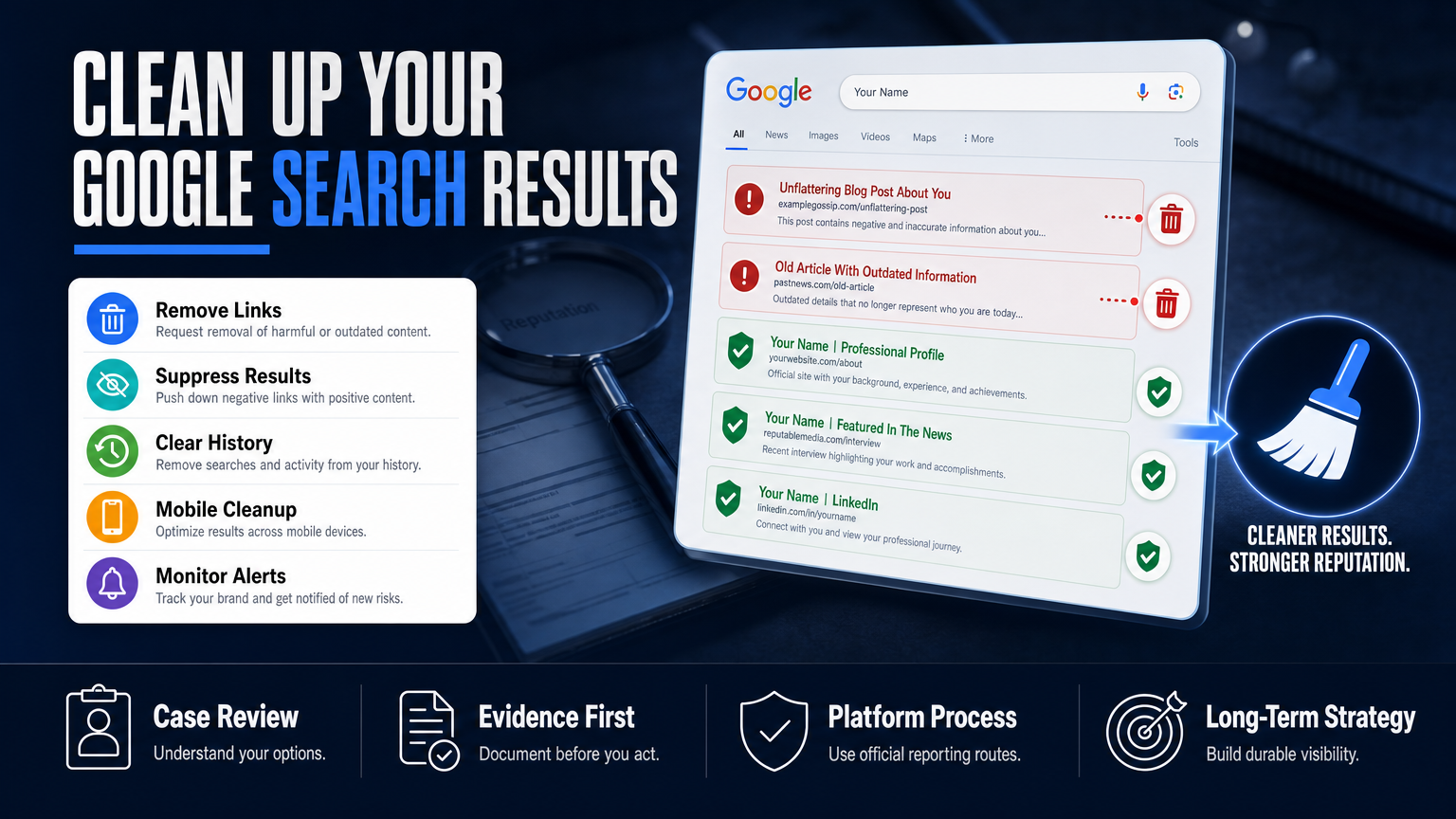
Step 1: Search Your Exact Business Name
Open Google and search for your exact business name.
For example:
"ABC Consulting"
Do not immediately click your website.
Instead, examine the entire first page.
Look at:
- Titles
- Descriptions
- Reviews
- Images
- News mentions
- Social profiles
- Directory listings
- Complaints
- Competitor comparisons
- Third-party websites
Ask yourself:
If I were a new customer, would these results make me feel confident?
That simple question can reveal serious reputation problems.
Step 2: Search Your Business Name + Reviews
Next, search combinations such as:
Business Name reviewsBusiness Name complaintsBusiness Name scamBusiness Name customer serviceBusiness Name problemsBusiness Name ratings
Don’t assume these searches are unnecessary because your company has a good rating.
Someone considering your business may perform exactly these searches.
Your goal is not to panic over every negative result. Instead, identify patterns and determine whether the information is accurate, outdated, misleading, or policy-violating.
Step 3: Search Your Business Name + Location
Local businesses should also search combinations such as:
Business Name + City
and:
Business Name + State
This helps you understand how your brand appears in local search.
Your Google Business Profile is particularly important here because Google positions Business Profile as a way for businesses to manage how they appear across Search and Maps.
For businesses serving specific geographic markets, reputation and local visibility often work together.
A strong Online Presence & Local SEO for Small Businesses strategy can help ensure that customers find accurate information alongside trustworthy brand signals.
What Should You Look for in Google Search Results?
Once you search your business, don’t simply look at whether the results are positive or negative.
Analyze the quality, accuracy, visibility, and context of what appears.
1. Positive Results
Look for:
- Positive customer reviews
- Strong media coverage
- Helpful educational content
- Awards and recognition
- Industry profiles
- Customer testimonials
- Official company pages
- Positive social profiles
These assets can help establish credibility.
2. Negative Results
Look for:
- Defamatory claims
- False accusations
- Fake reviews
- Outdated complaints
- Negative news
- Customer disputes
- Misleading articles
- Negative forum discussions
- Poor-quality directory pages
A negative result does not automatically mean something should be removed.
The first question should always be:
Is the content accurate, inaccurate, misleading, outdated, or violating a platform’s policies?
That distinction is critical.
3. Outdated Information
You may discover:
- Old addresses
- Former employees
- Outdated services
- Old phone numbers
- Previous business names
- Closed locations
- Expired promotions
- Old company descriptions
Outdated information can create confusion even when it isn’t deliberately negative.
How to Check Your Google Business Profile
Your Google Business Profile deserves a separate review.
Check whether your:
- Business name is accurate
- Address is correct
- Phone number is current
- Website URL works
- Business category is appropriate
- Services are accurate
- Opening hours are correct
- Photos represent your current business
- Description accurately explains what you do
Google says businesses can use Business Profile to manage information displayed on Google Search and Maps and respond to customer reviews.
Don’t Ignore Your Reviews
Reviews are one of the most visible reputation signals.
Check:
- Overall rating
- Number of reviews
- Recent reviews
- Recurring complaints
- Positive themes
- Response quality
- Sudden review changes
- Potentially fake or policy-violating reviews
Google recommends responding to reviews professionally and explains that businesses can report reviews that violate Google’s policies. However, simply disagreeing with a negative review does not make it eligible for removal.
That is an important distinction for ethical reputation management.
How to Analyze Google Reviews
Don’t only count stars.
Read the actual text.
Imagine a law firm has a 4.6-star rating but several recent reviews mention:
- Poor communication
- Missed deadlines
- Difficulty reaching staff
- Unexpected billing
- Lack of updates
A prospective client may notice these patterns even if the average rating looks impressive.
Review management should therefore involve both measurement and interpretation.
HubSpot describes review management as monitoring online reviews, responding to feedback, resolving issues, and identifying potentially fake reviews.
Look for Repeating Themes
Create three simple categories:
| Positive Signals | Negative Signals | Reputation Risks |
|---|---|---|
| Professional service | Communication complaints | Repeated unresolved complaints |
| Fast response | Billing concerns | Fake reviews |
| Excellent results | Poor customer experience | False allegations |
| Knowledgeable staff | Delays | Outdated information |
This makes it easier to identify what your business should improve and what your reputation strategy should address.
Check What Other Websites Say About Your Business
One of the biggest mistakes business owners make is focusing exclusively on Google reviews.
Google is a gateway to a much larger online reputation.
Search your company name across:
- Review websites
- Social media
- News websites
- Industry directories
- Forums
- Blogs
- YouTube
- Business directories
- Professional associations
Forbes Advisor explains that online reputation management includes monitoring reviews, social media, search results, and press coverage—not just one platform.
This broader perspective matters because a negative article or forum discussion can sometimes rank prominently for your brand name.
How to Check Your Reputation Beyond Your Brand Name
Your exact company name is only the beginning.
Run searches around the people, products, and services connected to your brand.
Search Your CEO or Founder
Try:
CEO NameCEO Name + CompanyCEO Name + reviewsCEO Name + complaints
This is particularly important for founder-led companies and personal brands.
A CEO’s public reputation can influence how customers, investors, partners, employees, and journalists perceive the company.
For senior leaders facing reputation challenges, CEO Reputation Management can provide a more focused approach to protecting the executive’s search presence.
Search Your Main Services
For example:
Company Name + service
You may discover complaints, comparisons, reviews, or third-party opinions that do not appear when searching your company name alone.
Search Common Misspellings
Customers may search your brand incorrectly.
Check common variations of:
- Company name
- Founder name
- Product name
- Domain name
This can uncover reputation content you might otherwise miss.
Real Example: A Local Business With a Reputation Problem
Consider a fictional dental practice called BrightSmile Dental.
The practice has excellent doctors and many satisfied patients.
However, the owner notices that Google searches for:
BrightSmile Dental reviews
show several old negative reviews near the top.
The practice also discovers an outdated directory listing with incorrect hours and an old address.
Meanwhile, a former patient posted a complaint several years ago on a public website.
The owner initially thinks:
“Our Google rating is still good, so there isn’t a problem.”
But a reputation audit tells a different story.
What Should the Business Do?
First, verify the accuracy of every negative claim.
Second, respond professionally to legitimate reviews.
Third, report reviews only when there is a legitimate policy violation.
Fourth, correct outdated business information.
Fifth, strengthen useful, authoritative content around the business.
Finally, monitor the search results consistently.
The objective isn’t to pretend negative feedback does not exist.
The objective is to make sure customers can find a fair, accurate, trustworthy picture of the business.
Common Mistakes Businesses Make
1. Searching Only Once
Your search results can change.
A clean search today does not guarantee a clean search six months from now.
2. Looking Only at the First Result
Your website may rank first while the second, third, or fourth results create serious trust problems.
Review the entire first page.
3. Ignoring Reviews
A business profile with unanswered reviews can appear inactive.
Google recommends professional, relevant responses and emphasizes that businesses should value honest feedback.
4. Trying to Remove Every Negative Review
Not every negative review violates Google’s policies.
Google explicitly states that businesses should not report reviews simply because they disagree with them or dislike them.
5. Arguing With Customers Publicly
Emotional responses can turn a small complaint into a larger reputation problem.
Keep responses calm, factual, concise, and professional.
6. Focusing Only on Google
Google is important, but customers may also discover your brand through social media, review sites, news publications, forums, and AI-generated answers.
HubSpot notes that brand mentions increasingly appear across reviews, social platforms, forums, podcasts, news, and AI-generated answers.
Best Practices for Monitoring Google
A strong reputation monitoring system should be consistent rather than reactive.
Weekly
Check:
- New Google reviews
- Recent search results
- Brand mentions
- Important social conversations
Monthly
Review:
- First-page branded searches
- Review trends
- New third-party mentions
- Search visibility
- Competitor reputation
- Content performance
During a Crisis
Monitor much more frequently.
If negative content begins spreading rapidly, waiting several weeks can make the problem more difficult to manage.
Search Engine Journal recently highlighted research connecting active online reputation management practices with business performance, reinforcing the importance of treating reputation as an ongoing business function rather than a one-time cleanup.
Expert Tips for Checking Your Google Reputation
Use Different Search Queries
Don’t rely on one branded search.
Search:
"Business Name"
"Business Name" reviews
"Business Name" complaints
"Business Name" scam
"Business Name" + city
"CEO Name" + company
This gives you a more realistic picture.
Check From a Customer’s Perspective
Ask:
- Would I trust this company?
- Does the information look current?
- Are negative claims prominent?
- Are positive achievements visible?
- Does the company respond professionally?
- Is the information consistent across websites?
Document What You Find
Create a simple reputation spreadsheet with:
| Area | Finding | Risk Level | Action |
|---|---|---|---|
| Google Reviews | Several recent complaints | Medium | Respond & investigate |
| Search Results | Outdated directory | Low | Request update |
| News | Positive article | Low | Strengthen visibility |
| Social Media | Inconsistent bio | Low | Update profiles |
| Forum | False claim | High | Investigate/report |
This turns a vague reputation concern into an actionable plan.
When You Need Professional Reputation Management
DIY monitoring works for basic checks.
However, more complex situations require a strategic approach.
Professional reputation management may be appropriate when:
- Negative content ranks on page one
- False allegations are appearing
- Fake reviews are damaging trust
- A CEO’s reputation is affecting the company
- A business is facing a public crisis
- Negative media coverage is spreading
- Your brand appears differently across platforms
- You don’t have time to monitor your reputation
- Customers are finding misleading information
- Your search results don’t reflect the quality of your business
This is where comprehensive Online Reputation Protection Services can make a meaningful difference.
For serious incidents, a proactive strategy may combine monitoring, content development, review management, search-result analysis, brand positioning, and crisis response.
The goal isn’t to manipulate Google.
It is to build a stronger, more accurate digital presence that deserves visibility.
How Reputation Management Supports Google and AI Search
Search behavior is changing.
People increasingly ask questions directly through AI-powered search and answer engines.
That means businesses need to think beyond traditional blue links.
Microsoft’s current Bing Webmaster Guidelines explain that the same core SEO foundations—crawlability, indexing, content clarity, authority, and trust—also support eligibility for Bing and Copilot grounding experiences.
Similarly, modern reputation monitoring increasingly includes AI-generated answers, where brands may be mentioned alongside competitors and third-party sources.
Therefore, your objective should not simply be:
“How do I make Google say something positive?”
A better question is:
“Is there enough accurate, useful, authoritative information online for search engines and AI systems to understand my business correctly?”
That shift is important.
A Simple Google Reputation Checklist
Before you finish your audit, check all of these:
- Search your exact business name
- Search your business name + reviews
- Search your business name + complaints
- Search your business name + location
- Review your Google Business Profile
- Read recent customer reviews
- Check negative review patterns
- Identify potentially policy-violating reviews
- Review page-one search results
- Check news coverage
- Check social profiles
- Check industry directories
- Search your CEO or founder
- Search your major services
- Check outdated information
- Look for false or misleading claims
- Record reputation risks
- Create a monitoring schedule
If several items raise concerns, you may have a reputation management issue rather than a simple SEO issue.
Frequently Asked Questions
1. How to Check What Google Says About Your Business?
Search your exact business name on Google and review the first page, Google Business Profile, customer reviews, news results, social profiles, directories, and third-party websites. Then search your business name with terms such as “reviews,” “complaints,” and your location to identify additional reputation signals.
2. How do I see what customers are saying about my business on Google?
Open your verified Google Business Profile and review your customer reviews. Google allows verified businesses to read and respond to reviews.
3. Can I remove a negative Google review?
Only reviews that violate Google’s policies are eligible for removal. A review should not be reported simply because it is negative or because you disagree with the customer’s opinion.
4. Why does Google show information about my business from other websites?
Google can use information from third-party websites and review sources to provide users with a broader picture of a business. This is why your reputation should be monitored beyond your own website.
5. How often should I check what Google says about my business?
At minimum, review your branded search results and new reviews regularly. Businesses experiencing active reputation issues should monitor more frequently, while stable businesses can use a weekly or monthly review schedule depending on risk.
6. What should I do if false information appears on Google?
First, document the claim and identify its original source. Determine whether it is inaccurate, defamatory, outdated, or simply unfavorable but legitimate. Depending on the situation, you may need to contact the publisher, use a platform’s reporting process, correct inaccurate information, or develop a broader reputation management strategy.
7. Does online reputation affect customer trust?
Yes. Reputation influences how potential customers evaluate credibility before contacting a business. Forbes describes ORM as managing how a business is perceived across search results, reviews, social media, and other online channels.
8. Can reputation management change what appears on Google?
Reputation management can improve the overall quality, accuracy, and strength of a brand’s online presence. However, no ethical reputation professional should guarantee a specific Google ranking or promise that legitimate negative information will simply disappear.
9. Should I respond to every negative review?
You should generally respond thoughtfully to legitimate reviews, especially when a response can clarify the situation or demonstrate that the business takes customer concerns seriously. Keep responses professional, concise, and privacy-conscious. Google recommends avoiding personal attacks and moving complex conversations into a private channel.
10. How can a reputation management agency help my business?
A professional ORM agency can audit your search presence, monitor brand mentions, analyze reviews, identify reputation risks, develop positive authority-building content, address eligible harmful content, and create a long-term strategy for protecting your digital reputation.
Conclusion
Knowing how to check what Google says about your business is more than a basic SEO exercise.
It is a way to understand what potential customers, partners, employees, investors, and other stakeholders may discover before they interact with your brand.
Start by searching your business name.
Then go deeper.
Check your Google Business Profile, reviews, search results, news coverage, social profiles, third-party websites, executive names, and important service-related searches.
Most importantly, don’t wait for a reputation crisis before paying attention.
A strong online reputation is built through consistent monitoring, accurate information, useful content, professional review management, and a clear strategy for handling problems when they appear.
Google is only one part of the picture—but it is often one of the first places people look.
If the search results surrounding your brand don’t accurately represent the quality and credibility of your business, it’s time to take action. Read our Trustpilot reviews to see feedback from clients who have worked with Your Reputation Agency.
Is Google Showing the Right Picture of Your Business?
Your reputation can influence whether someone calls you, books your service, hires your firm, or moves on to a competitor.
If you have searched your business name and found negative reviews, outdated information, misleading content, damaging articles, or other reputation concerns, don’t ignore them.
Your Reputation Agency can help you understand what is being said about your business, identify the highest-risk reputation issues, and build a strategic plan to strengthen your digital presence.
From reputation monitoring and review management to search-result strategy and crisis response, our team focuses on protecting the reputation your business has worked hard to build.
Don’t leave your first impression to chance.
Contact Our Reputation Experts
Get a professional assessment of your online reputation and discover what potential customers may see when they search for your business.