You clicked a search and found your home address, a mugshot, or a private phone number where it shouldn’t be — and now you need to know how to remove my info online. This article walks through what can be removed, what usually can’t, and precisely how to start a removal or suppression effort.
You’ll get a prioritized checklist: immediate actions you can take yourself, platform-specific paths (Google, Facebook, YouTube, data brokers), and the legal and SEO options used when platforms refuse removal. I use realistic timeframes and explain when removal depends on publisher policy, evidence, or law.
This is practical, not theoretical. I’ll show where free DIY options work, where paid services are useful, and what to do when removal is not available so you can reduce visibility and risk.
Table of Contents
- Why Is My Personal Information Online?
- How Do You Get Your Name Taken Off A Website?
- How Do I Stop My Name From Appearing On A Google Search?
- How Much Does It Cost To Remove Yourself From The Internet?
- How To Remove Personal Information From Google For Free
- When Removal Is Not Available: Suppression And Mitigation
- Immediate Checklist: What To Do Right Now
- Monitor, Prevent, And Protect — The Long Game
- DIY vs Agency: Which Route Fits Your Case?
- Hypothetical Example: The Doctor And The Old Arrest Record
- Common Mistakes People Make When Trying To Remove Info
- Best Practices For Removing And Reducing Online Exposure
- Expert Tips
- Conclusion
- Why Businesses Choose Your Reputation Agency
- Frequently Asked Questions
Why Is My Personal Information Online?
Personal details show up online for three basic reasons: they were published (by you or someone else), they were collected and republished by data brokers, or they appeared in public records (court dockets, property records, professional listings). Each origin follows different rules for removal.
Understanding why your info is online determines your options. Content you or a friend posted is the simplest to remove; third-party news or public records are more complicated; people-search sites and aggregators require opt-outs or suppression.
Data brokers routinely crawl public records, social profiles, and commercial databases and republish them as searchable profiles. That’s why the same phone number or address can appear in multiple places.
- Locate sources: search your name in quotes, phone numbers, and your address.
- Map duplicates: note every site displaying the same data.
- Categorize each source as: personal post, news/public record, data broker, or social profile.
- Published by you or someone you know — often removable by editing or asking the publisher.
- Aggregated by data brokers — requires opt-outs or paid removal requests.
- Appears in public records — often lawful to publish; removal is limited.
- Indexing by search engines — removal of the source or de-indexing requests can reduce visibility.
Quick checklist to find where your info appears
Run searches on Google, Bing and DuckDuckGo using variations of your name and contact details. Include common misspellings and maiden names.
Search people-search sites (Spokeo, Whitepages, Intelius), social networks, and one-off blogs/forums.
Use Google’s “Results about you” tools or ‘Remove outdated content’ when the source has already been changed.
- Search your full name in quotes and plus/minus keywords (e.g., “John Q. Public” -linkedin).
- Search your exact address and phone number in quotes.
- Check image search for profile photos or document scans.
How Do You Get Your Name Taken Off A Website?
Getting your name removed from a website depends on who controls the content. If an individual blog or forum posted it, you can send a removal request or a formal DMCA/defamation notice if it violates law or platform terms. If the publisher refuses, options include escalation to the host or a legal review.
Use a clear, documented request and gather evidence of the harm. Removal depends on the publisher’s policies, whether the information is truthful and in the public interest, and applicable law.
- Find contact info: look for a site ‘Contact’, WHOIS record, or hosting provider.
- Draft a removal request: identify the URL, explain why it should be removed, and attach evidence.
- Follow up and document all correspondence. If ignored, consider reporting the host or consulting an attorney.
- Contact the site owner or webmaster first — polite, specific, and documented requests work often.
- If the post violates platform policy (harassment, doxxing, intimate images), use in-platform reporting tools.
- For copyright issues (e.g., your ID scan posted without permission), submit a DMCA takedown to the hosting provider.
How to write an effective removal request
Be concise: include the exact URL, the specific data to remove, and why it should be removed (privacy violation, personal data, factual error).
Cite law or platform policy only when it clearly applies — vague legal threats rarely help. Offer a deadline for a response, but avoid demanding ‘immediate takedown’ as a promise of timeline.
Keep all messages professional and save copies. If the publisher declines, those messages become evidence if legal steps are considered.
- Exact URL and screenshot of the offending content.
- Clear statement of the remedy you want (remove, redact, correct).
- Relevant supporting documents (ID redacted, correspondence).
How Do I Stop My Name From Appearing On A Google Search?
Google does not remove search results simply because you dislike them. You can ask Google to delist certain items (e.g., exposed financial or national ID numbers, doxxed images, or legal removals in some jurisdictions), but many requests are denied if the content is lawful and in the public interest.
The two practical approaches are removal at the source and search-engine suppression: request takedowns from the publisher and then use SEO to push negative results down.
- Step 1 — Remove at source: request takedown from the original site.
- Step 2 — Use Google tools: submit ‘Remove outdated content’ or legal removal requests if eligibility criteria are met.
- Step 3 — Suppress: publish and promote positive or neutral pages (LinkedIn, About pages, professional profiles) to reduce visibility of the harmful result.
- Use Google’s ‘Remove outdated content’ tool when a page has been changed or removed at the source.
- Use Google’s ‘Results about you’ or ‘legal removals’ for sensitive personal data or privacy law requests where applicable.
- If removal is refused, implement suppression by creating authoritative, optimized pages that outrank the harmful item.
Google-specific tools and when to use them
Google’s ‘Remove outdated content’ is for content already changed or removed at the source but still appearing in search results.
Google’s ‘legal removals’ cover things like doxxed bank account numbers, national ID numbers, non-consensual intimate images in many jurisdictions, and some privacy law requests in the EU. Eligibility varies and is decided by Google.
For all other content, focus on source removal and suppression rather than expecting Google to remove listings.
- Use ‘Remove outdated content’ after a publisher deletes or updates the page.
- Consider URL removal for sensitive personal data under Google’s policies.
- Document all removal and reporting efforts for later escalation if needed.
How Much Does It Cost To Remove Yourself From The Internet?
Costs vary widely depending on the complexity, number of sources, and whether you use an agency or an attorney. Free DIY options exist but are time-consuming; paid services and lawyers can speed processes but cannot guarantee outcomes.
Typical price ranges (illustrative, not guaranteed): manual DIY — free to low cost (time only); single-site legal notices — $200–$1,500 depending on attorney and complexity; agency-managed data-broker opt-outs and suppression campaigns — $500–$5,000 upfront plus monthly retainers for monitoring.
- Estimate the scope: count offending URLs and identify types (news, data broker, forum).
- Decide DIY vs paid: use DIY for small, simple removals; hire counsel or an agency for complex, high-stakes, or legal matters.
- Get written estimates and ask what success metrics and reporting you will receive. Remember no provider can promise removal or fixed timelines.
- DIY removal: mostly free, but requires time and persistence.
- Lawyer-assisted takedowns or defamation letters: usually billed hourly or as a flat fee depending on scope.
- Reputation-management firms: combined technical, platform, and PR work — pricing depends on scale and services (monitoring, takedowns, SEO suppression).
Free vs paid: when to choose each
Choose free DIY if you have only a few URLs, the publishers are accessible, and time is available to follow up.
Choose paid services for volume (dozens to hundreds of data-broker listings), when an urgent professional reputation is at stake (physicians, executives), or when legal options look likely.
- DIY is effective for social posts, personal blogs, and some review removals.
- Paid services help coordinate across platforms, escalate with hosts, and run suppression SEO faster.
How To Remove Personal Information From Google For Free
Some Google removal paths are effectively free: submitting removal requests for sensitive data, using ‘Remove outdated content’, and fixing or deleting the source page yourself. These are low-cost but have prerequisites and no guaranteed outcome.
Free removal is often the first, sensible approach — but be prepared to escalate if publishers or platforms decline.
- Identify qualifying removals and gather evidence (screenshots, URL, why content is sensitive).
- Submit Google’s ‘Remove outdated content’ after the source is changed or removed.
- Use network reporting tools (Facebook, Twitter/X, YouTube) where platform policy supports removal.
- Delete or update the source page when you control it.
- Use Google’s removal tools for content that qualifies under their policies.
- Submit in-platform reports for doxxing, impersonation, or policy violations on social networks.
Free opt-outs from data brokers
Many data brokers offer free opt-out forms (Whitepages, Spokeo, PeopleFinder). They vary in complexity and frequency of re-listing; repeated follow-up may be required.
Professional help automates and monitors these opt-outs, but you can complete many forms yourself with patience.
- Compile a list of the main brokers where your profile appears.
- Complete each site’s opt-out form and save confirmation emails.
- Recheck listings periodically — some sites repopulate profiles from new sources.
When Removal Is Not Available: Suppression And Mitigation
Sometimes content can’t be removed: lawful public records, factual news reporting, or publishers who refuse to comply. In those cases the objective becomes reducing visibility and contextualizing the result so it does less harm.
Suppression is a deliberate SEO strategy to push negative items off the first page of search results by creating and promoting authoritative, relevant alternatives.
- Audit current search results and identify the URLs to suppress.
- Create and optimize at least 5–10 authoritative pages that target your name or keywords.
- Promote those pages via social accounts, professional directories, and legitimate PR placements to earn links and authority.
- Create high-authority pages: LinkedIn, professional bios, press releases, well-optimized personal websites.
- Use structured data and consistent naming conventions to help search engines associate you with those positive pages.
- Leverage content distribution (trusted directories, guest posts) to build links to your preferred pages.
When to use legal or coordinated escalation
If content is defamatory, repeatedly false, or a significant privacy violation, a legal review is appropriate. A qualified attorney can advise on whether a demand letter, court action, or subpoena is viable.
Agencies coordinate legal, technical, and PR steps when multiple platforms are involved. We evaluate whether the content may qualify for removal or review and pursue available options.
- Legal routes depend on evidence, jurisdiction, and the nature of the content.
- Court orders may require platform compliance, but outcomes and timelines vary.
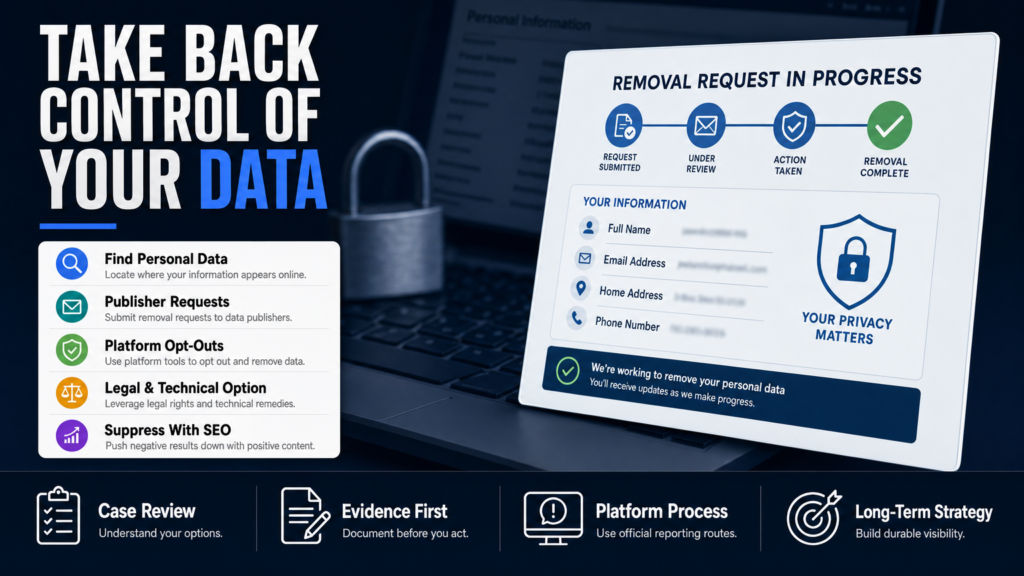
Immediate Checklist: What To Do Right Now
If you discover sensitive or damaging information about yourself online, use this prioritized checklist to act fast and document everything. These are pragmatic steps you can start today.
This section includes direct links to deeper resources where helpful.
- Step A — Document: screenshots and logs of when you found the content.
- Step B — Report: platform reports for policy violations (harassment, doxxing).
- Step C — Request: contact publishers or hosts with a clear removal request.
- Step D — Mitigate: begin suppression by optimizing authoritative profiles.
- 1. Screenshot the page and save URLs and timestamps.
- 2. If it’s on social media, use in-platform report tools and request removal.
- 3. If it’s on a small site, look for contact info and send a polite removal request.
- 4. Start data-broker opt-outs for profiles you control.
- 5. Set up monitoring alerts for your name and key identifiers.
Where to get help if the source is a Reddit thread
Reddit threads can be visible and persistent. Use Reddit’s reporting tools for policy violations and message the OP or subreddit moderators. For reputation issues tied to Reddit content, our article When A Reddit Thread Becomes Your Primary Search Result explains escalation tactics specific to that platform.
Remember platform decisions remain under the platform’s control; escalation options include contacting Reddit’s administrators or the hosting provider if policy violations are strong.
- Report for harassment, doxxing, or impersonation via Reddit’s report system.
- Message moderators and the OP asking for removal or correction.
- Document all outreach for evidence if legal steps become necessary.
Monitor, Prevent, And Protect — The Long Game
Removal or suppression is rarely a one-off task. Continuous monitoring, privacy hygiene, and digital security reduce the chance of reappearance. Set up automated alerts and practice selective disclosure of personal data.
If you are a professional with a high exposure risk (physicians, executives), consider continuous monitoring and periodic audits to catch new listings early.
- Create alerts and a review schedule (weekly for high risk, monthly otherwise).
- Periodically repeat data-broker opt-outs and check known aggregator sites.
- Use two-factor authentication and reduce public metadata on shared documents and photos.
- Set Google Alerts for your name, address, and phone numbers.
- Use paid monitoring services or an agency for high-risk profiles.
- Limit public sharing of sensitive details on social accounts and opt your profiles to private where appropriate.
Removing your address specifically
If your top concern is a published home address, there are dedicated steps for property records, people-search sites, and map directories. Our piece on How to Remove Your Address from the Internet goes through property records, realtor aggregators, and map listings.
Address removal often requires contacting multiple publishers and repeating opt-outs with data brokers.
- Contact county recorder or assessor offices where appropriate to understand public records procedures.
- Opt out from people-search and address aggregator sites using their specific forms.
- Request map providers (Google Maps) to update listings if the address appears in a problematic context.
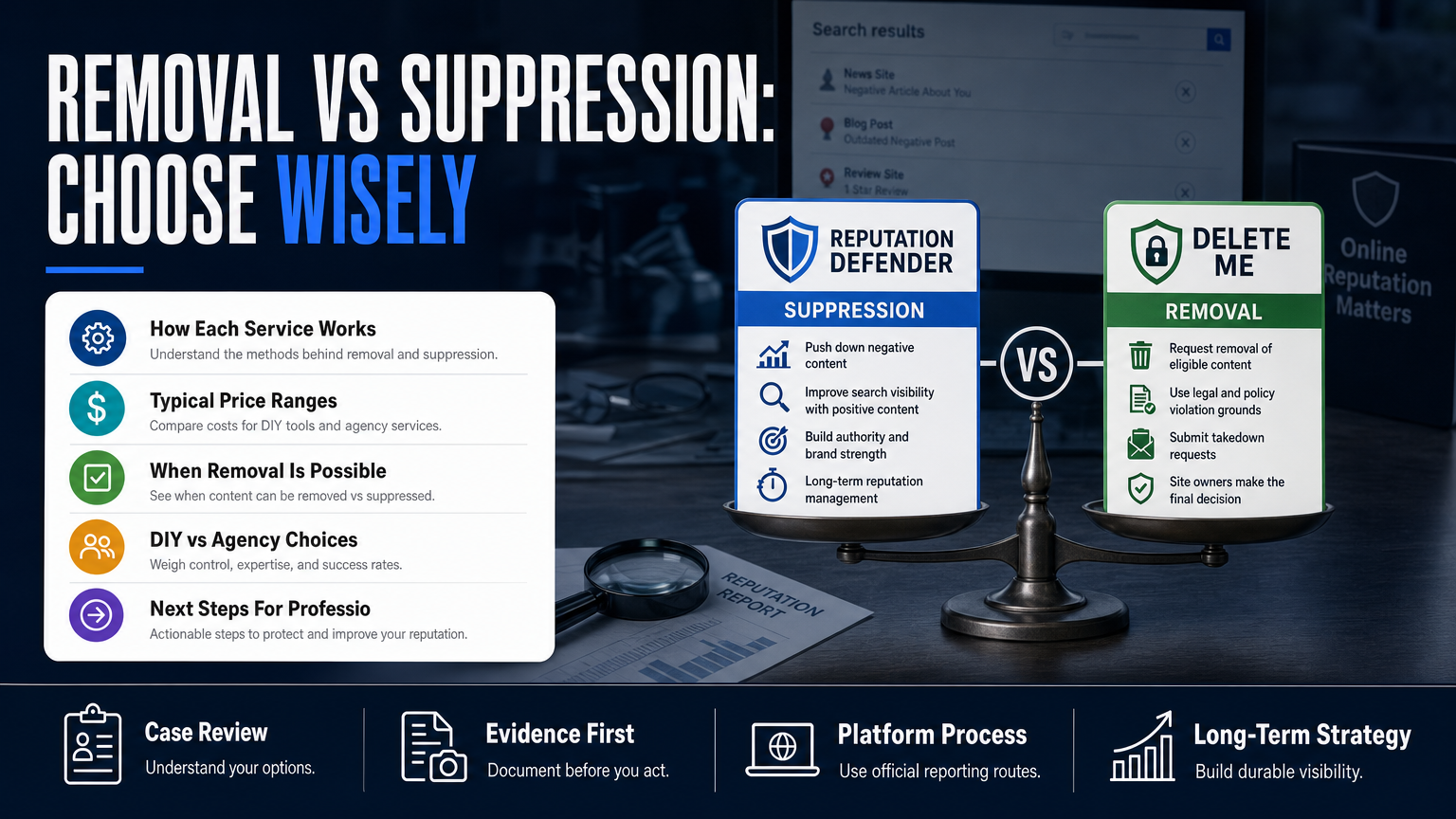
DIY vs Agency: Which Route Fits Your Case?
A side-by-side look at strengths, limitations, and typical use cases.
| DIY | Agency |
|---|---|
| Cost | Higher upfront, monthly options |
| Speed | Faster coordination across platforms |
| Control | Professional management and escalation |
| Best for | High-volume or urgent reputational threats |
| Tools needed | Legal, technical, and SEO skillset |
| Success factors | Persistence and documented requests |
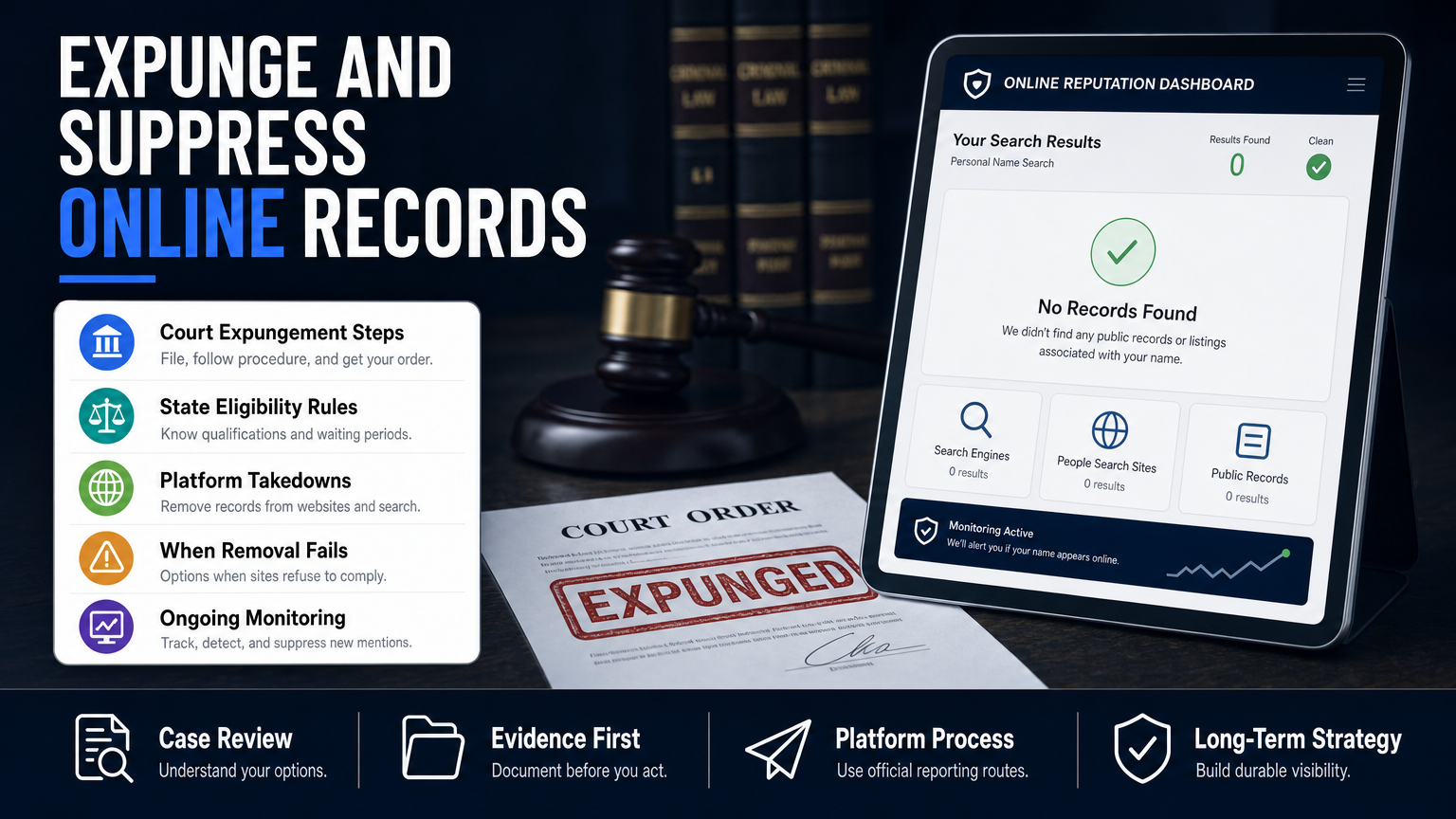
Hypothetical Example: The Doctor And The Old Arrest Record
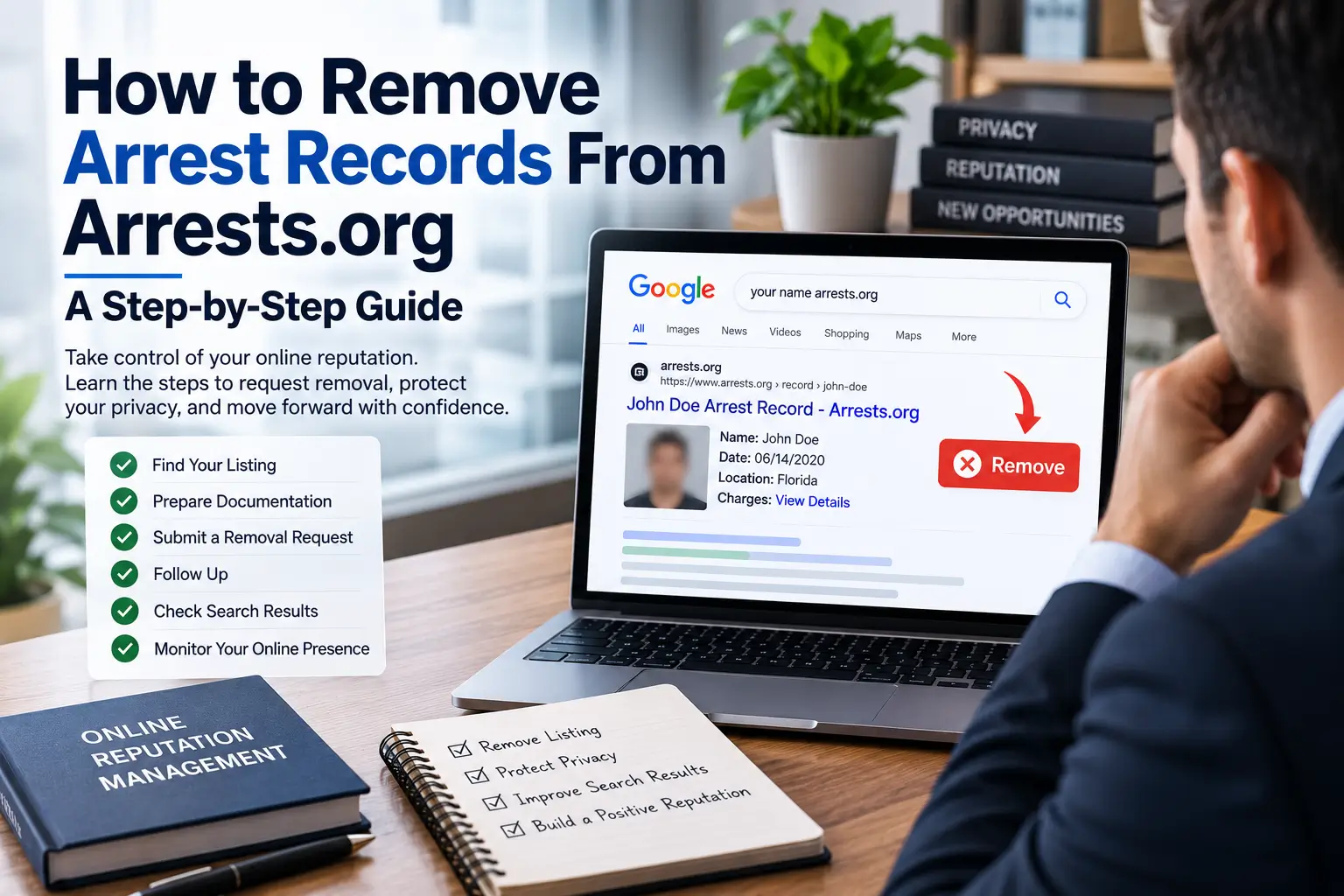
A board-certified doctor finds an old misdemeanor arrest record and a mugshot on a public-archive site, and the item is appearing on the first page of Google. The doctor wants the content removed or hidden from patient searches.
This is a hypothetical walkthrough — not a client story — showing the combination of source requests, legal review, and suppression.
- 1. Audit: Identify all locations where the arrest and mugshot appear (archive sites, mirrors, social shares).
- 2. Publisher outreach: Send a clear, professional request to each site owner to redact or remove the mugshot and personal identifiers.
- 3. Platform reports: If the images are reused on social networks, file in-platform reports for policy violations.
- 4. Legal evaluation: Have an attorney review whether defamation or privacy claims are viable (depends on jurisdiction and facts).
- 5. Suppression: Build authoritative professional pages (hospital bio, LinkedIn, medical society profile) and optimize them to outrank the harmful URLs.
- Step 1: Document the URLs, take screenshots, and check whether the underlying record is public court data.
- Step 2: Contact the publisher with a removal request explaining professional harm; if the publisher refuses, compile evidence for a legal review.
- Step 3: Submit Google’s removal tools for any qualifying sensitive data and request ‘Remove outdated content’ after any changes.
Common Mistakes People Make When Trying To Remove Info
Below are frequent errors that slow removal efforts or make the situation worse.
Mistake 1 — Chasing every single duplicate without a strategy
Spending time on dozens of low-value mirrors or content farms can waste effort. Prioritize sources with high visibility (news sites, large aggregators, search results pages) and address those first.
- Focus on the URLs that drive traffic and search visibility.
- Use suppression for low-value duplicates instead of individual takedowns when appropriate.
Mistake 2 — Publicly arguing with publishers or posting emotional replies
Public disputes can attract attention and worsen visibility. Keep communications private, professional, and documented; escalate quietly if necessary.
- Avoid public rebuttals that amplify the content.
- Use private channels and formal notices where needed.
Mistake 3 — Expecting platforms to remove content because it’s embarrassing
Platforms remove content that violates their policies — not simply because it’s embarrassing or negative. Learn the platform’s policy and present evidence that the content violates it before filing reports.
- Check platform rules on harassment, doxxing, and privacy violations.
- File reports that reference specific policy sections and evidence.
Mistake 4 — Using shady or deceptive tactics
Paying for fake removals, sending false statements, or attempting to impersonate others to take down content are unethical and risky. Use legitimate reporting, legal, and SEO remedies.
- Avoid services that promise guaranteed deletion or use malware-style tactics.
- Insist on documented, lawful methods from vendors.
Mistake 5 — Ignoring ongoing monitoring
Treat removal as a one-time fix and the problem can reappear. Set alerts and a repeat schedule for opt-outs with data brokers and aggregators.
- Recheck major data brokers every few months.
- Use automated alerts for instant notification of new mentions.
Best Practices For Removing And Reducing Online Exposure
These are durable, actionable practices professionals and businesses use to manage online personal data and reputational exposure.
Practice 1 — Document everything
Screenshots, timestamps, and saved URLs are essential if you escalate to hosts or legal counsel. Good documentation speeds reviews and strengthens legal options if they become necessary.
- Keep a secure folder with dated screenshots.
- Log communications and confirmations from publishers and platforms.
Practice 2 — Prioritize high-impact sources
Address news sites, major aggregators, and pages that appear on page one of search engines first. Suppress lower-traffic mirrors where appropriate.
If you’re unsure which sites matter most, start with the URLs that appear in a brand-name search or for your professional title.
- Use analytics or a search engine preview to see which URLs get impressions.
- Tackle publishers by visibility rather than sheer count.
Practice 3 — Use platform policy, not emotion
Frame requests around specific policy violations (privacy, doxxing, harassment, copyright) rather than just asking ‘please remove this because it’s false’ — that’s rarely sufficient.
If there is falsity, gather evidence to show inaccuracies and send a correction request to the publisher.
- Cite policy sections and provide concrete evidence.
- Keep language professional and non-accusatory.
Practice 4 — Prepare for suppression when removal fails
Create and optimize multiple authoritative pages that you control: a personal site, LinkedIn, professional directories, and news or PR placements. Promote them regularly to build authority and push harmful links down.
Suppression is a long-term play — it requires steady publishing and link-building to shift search results.
- Aim for at least 5–10 quality URLs tied to your name.
- Use consistent naming and meta tags to help search engines link pages to you.
Practice 5 — Maintain security and minimize new leaks
Reduce future exposure by tightening account security, removing unnecessary PII from public profiles, and using a mailing address or business address where appropriate.
If you are high risk, consider professional monitoring and a response plan.
- Enable two-factor authentication and review account recovery options.
- Limit public sharing of birthdates, addresses, and family members’ names.
Expert Tips
- Begin with documentation: screenshots and saved URLs are invaluable if escalation is needed.
- Prioritize removals by visibility, not by count — one first-page URL often causes more harm than dozens of low-traffic mirrors.
- Use official platform reporting channels and reference specific policy violations when filing reports.
- Repeat data-broker opt-outs — many sites reappear over time from fresh sources.
- Suppress where removal fails: build multiple professional pages that target your name.
- Avoid public confrontations with publishers; private, professional outreach works better.
- If the content suggests criminality or defamation, consult a qualified attorney for an evidence-based legal review.
- Monitor continuously — set Google Alerts and use an automated service for high-risk profiles.
Conclusion
Removing your information online is rarely a single action — it’s a series of targeted steps: find the sources, request removals where appropriate, use platform tools, and when deletion isn’t possible, reduce visibility through suppression and reputation work. Success depends on the nature of the content, the publisher’s policies, and legal context.
Start with the low-cost speed wins (documenting, contacting publishers, using Google’s tools, opting out of data brokers). For sensitive or high-exposure cases, consider coordinated legal, technical, and SEO support to evaluate whether the content may qualify for removal or further escalation.
Why Businesses Choose Your Reputation Agency
Managing your reputation takes more than monitoring reviews or publishing the occasional blog post. It takes a strategy built around your situation, your industry, and what is actually showing up in search.
Your Reputation Agency works with businesses, executives, healthcare professionals, attorneys and growing brands. Our services include:
- Remove or challenge defamatory content and false posts across news sites, blogs and social platforms
- Remove negative reviews from Google, Yelp, Facebook, Trustpilot, Glassdoor and industry review sites (e.g., Healthgrades, RateMDs, RealSelf, Vitals, Angi)
- Mugshot and arrest-record removal and remediation
- Remove or takedown negative videos, YouTube content, TikTok clips and other harmful multimedia
- Remove or suppress negative search results and implement search-engine suppression strategies (SEO to bury bad results)
- Remove personal information and opt-out from people-search and data-broker sites (address, phone, phone number removal)
- Social media impersonation and fake account takedown (reporting and removal on Facebook, Instagram, Twitter/X, LinkedIn, TikTok)
- Reddit and community forum post/comment removal and visibility reduction
- Online crisis management and reputation PR to respond to viral incidents
- Monitoring and alerting for negative content, fake reviews and emerging reputation threats
Frequently Asked Questions
1. Why is my personal info online?
Personal info appears online because it was posted by you or someone else, scraped by data brokers from public records or social profiles, or published in news and public documents. Identifying the source (publisher, broker, or public record) determines the correct removal or mitigation path.
2. How do you get your name taken off a website?
Start by contacting the site owner or webmaster with a clear URL and request. If the content violates the platform’s policies (doxxing, harassment, copyright), use the platform’s reporting tools. If the publisher refuses and the matter is potentially illegal or defamatory, a legal review can determine further options.
3. How do I stop my name from appearing on a Google search?
There are two main approaches: remove the content at its source (publisher, host) and use Google’s removal tools when eligibility criteria are met. If removal isn’t possible, suppression via SEO—creating and promoting authoritative pages about you—can reduce the visibility of the problematic result. Platform decisions and search rankings cannot be guaranteed.
4. How much does it cost to remove yourself from the internet?
Costs vary. DIY is often free but time-consuming. Single legal notices may cost a few hundred to a few thousand dollars depending on complexity. Agency-managed campaigns, especially those that include SEO suppression and ongoing monitoring, range widely and can include monthly fees. No provider can promise removal or fixed timelines.
5. Can I remove my information from public records?
Public records (court filings, property records) are often lawfully published and not generally removable. In limited circumstances — for safety or sealing orders — courts can redact or seal records, but that requires legal processes and varies by jurisdiction.
6. Are there free ways to remove personal information from the internet?
Yes: you can delete posts you control, submit opt-outs to many data brokers, and use Google’s free removal tools where eligible. These options take time and follow-up; many people use free options first and escalate if they don’t achieve the needed results.
7. What should I do if someone is impersonating me on social media?
Use the platform’s impersonation or identity-reporting tools immediately and provide evidence of identity. Document the profile and any harmful content. If platforms don’t act, you may need to contact the hosting company or seek legal advice for further steps.
8. How long does removal or suppression take?
Timing depends on the publisher, platform policies, legal complexity, and search-engine behaviour. Some removals (if the publisher complies) can happen in days; others, especially legal actions or suppression campaigns, may take weeks to months. No fixed timeline can be guaranteed.
9. When should I consult an attorney or an agency?
Consult a lawyer when the content appears to be unlawful (defamation, privacy breaches, illegal dissemination) or when a publisher refuses repeated reasonable requests. Consider an agency when you need coordinated technical, platform, and SEO work at scale or when continuous monitoring and mitigation are necessary for professional reputations.
This content provides general information and does not constitute legal advice. The available options and likely outcomes depend on the facts, evidence, platform policies, applicable law, jurisdiction, and public-interest considerations.
Past examples do not guarantee future results. Removal, correction, deindexing, and search-position changes depend on third parties and circumstances outside Your Reputation Agency’s control.