If you’re trying to remove fake Google review content that’s damaging your reputation, you’re not alone. Small business owners, restaurant managers, salon operators, clinic directors, contractors, and e-commerce founders all face this issue at some point. One dishonest review can dent trust, reduce conversions, and create unnecessary stress.
Learning how to remove fake Google review posts effectively is no longer optional. It’s part of protecting your brand’s credibility in a digital-first marketplace.
Why Fake Reviews Hurt Local Businesses
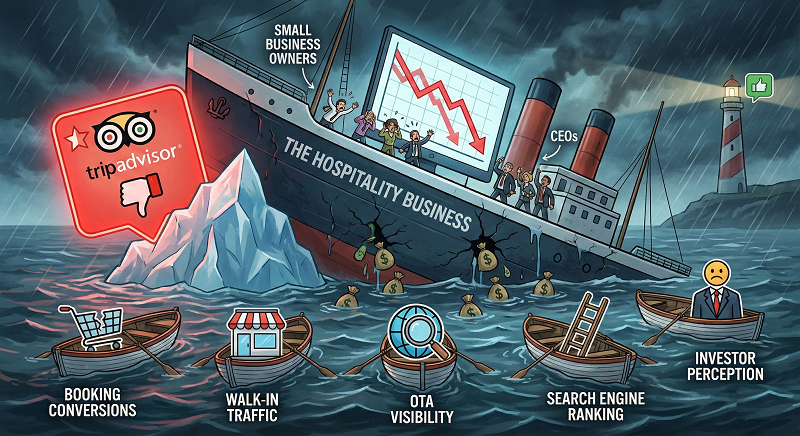
A single-star rating from someone who was never a customer can:
- Lower your average rating overnight
- Push you down in local search results
- Scare off potential clients comparing competitors
- Trigger unnecessary refund demands
For startups and local service providers, reputation equals revenue. When customers search for a contractor, restaurant, or clinic, reviews influence their decision within seconds.
That’s why knowing how to remove fake Google review attacks quickly is essential.
How to Remove Fake Google Review Using Google’s Reporting System
The first step to remove fake Google review content is to flag it directly through your Google Business Profile.
Step 1: Identify Policy Violations
Google removes reviews that violate policies, including:
- Spam or fake content
- Conflict of interest (competitor reviews)
- Offensive language
- Irrelevant comments unrelated to your business
If the review clearly breaks these rules, you have grounds to remove fake Google review entries through official channels.
Step 2: Flag the Review
Log into your Business Profile and:
- Locate the review
- Click the three dots
- Select “Report review”
- Choose the violation type
This initiates Google’s moderation process. However, responses are not guaranteed or immediate.
When Google Doesn’t Respond: What’s Next?
Many entrepreneurs discover that simply flagging isn’t enough. Google may reject the request or take weeks to respond. This is where escalation matters.
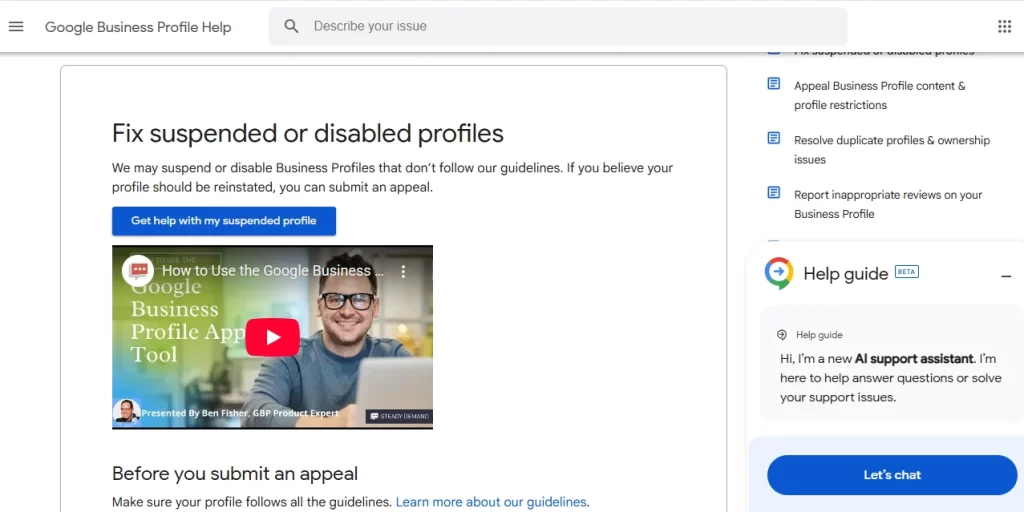
Contacting Google Business Support
To increase the chance to remove fake Google review content, document everything:
- Screenshots
- Order records (if applicable)
- Proof the reviewer was never a customer
- Timeline of events
Submit a support ticket and reference policy violations clearly. Avoid emotional language. Stick to facts.
Respond Publicly While You Wait
Even if you plan to remove fake Google review complaints, you must manage perception in the meantime.
A professional response should:
- Calmly state you have no record of the customer
- Invite them to contact you directly
- Show future readers you care
Potential customers read your response more carefully than the original review.
Preventative Reputation Management Strategies
Proactive reputation management reduces the damage of fake feedback.
Encourage Authentic Reviews
The more legitimate five-star reviews you generate, the less impact one false post will have.
Ask satisfied customers to leave feedback immediately after service. Make it simple and direct.
A strong review profile builds resilience.
Monitor Reviews Weekly
Set a reminder to check your profile weekly. Early detection improves your ability to remove fake Google review attacks before they influence buying decisions.
When Professional Help Makes Sense
Some fake reviews are coordinated attacks from competitors or disgruntled former employees. In these cases, DIY attempts often fail.
Working with specialists who understand Google’s policies and escalation channels can significantly improve outcomes. If you need structured support and a proven process to remove fake Google review issues efficiently, professional reputation services like experienced online reputation management teams can guide you through documentation, appeal submission, and follow-up strategy.
This approach saves time and protects revenue, especially for high-traffic businesses like restaurants, medical clinics, and contractors.
Common Mistakes to Avoid
Trying to remove fake Google review content the wrong way can backfire.
Avoid:
- Posting aggressive responses
- Asking friends to leave fake positive reviews
- Threatening legal action publicly
- Ignoring the review entirely
Google penalizes manipulation. Focus on compliance and transparency instead.
Legal Options in Severe Cases
In rare scenarios involving defamation, impersonation, or extortion, legal consultation may be necessary.
If you plan to remove fake Google review content tied to harassment or financial harm, documentation becomes critical. Courts can request platform data, but this route should be a last resort due to cost and time.
Building Long-Term Review Protection
The most sustainable way to remove fake Google review risks is by strengthening your digital footprint.
Build:
- Consistent customer communication
- Automated review requests
- A clear dispute process
- Ongoing monitoring
Businesses with 100+ authentic reviews are less vulnerable to isolated attacks.
Ultimately, knowing how to remove fake Google review content is about more than deleting one comment. It’s about protecting your reputation, maintaining customer trust, and ensuring that your hard-earned credibility isn’t undermined by dishonest tactics.
When handled strategically and professionally, even a fake review can become an opportunity to demonstrate transparency and leadership.
FAQs
How long does Google take to remove fake reviews?
Google usually reviews flagged content within 3–7 business days, though complex cases can take several weeks. If escalated through Business Profile support, resolution time depends on documentation and current review queues.
What proof do I need to delete a Google review?
Provide screenshots, transaction records (or proof no transaction exists), and a clear explanation of which Google policy was violated. Internal logs, booking records, and communication history strengthen your appeal.
How do I contact Google about removing reviews?
Sign into your Google Business Profile, go to Support, and submit a review removal request with evidence attached. If denied, use the appeal option or contact support via chat or email directly inside the dashboard.